Clips, content and growth
Link in Bio
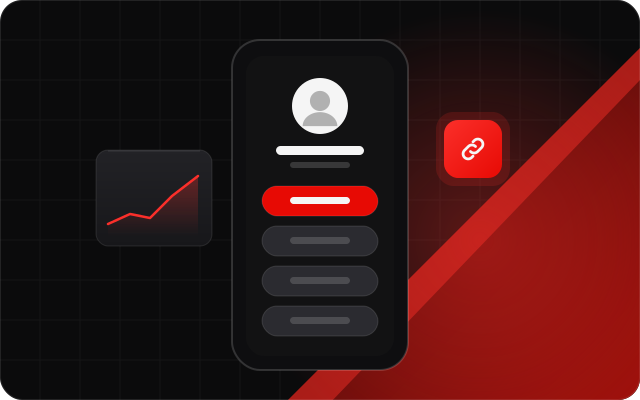
One link for everything you do. Your StreamNeeds Link in Bio page shows when you're live, your schedule and latest clips, and tells you which links people click.
Short answer:StreamNeeds Link in Bio is a link page streamers design with links, socials and themes. It shows a live-now banner when the streamer is live, can show their schedule, latest clips and hunt stats, and has tracked links with click stats.
What it does
General link pages don't know you stream. StreamNeeds Link in Bio does. When you go live, a banner at the top tells visitors and links them straight to the stream. Add your links and socials, pick a theme, and get a short address on streamneeds.com.
Stream blocks show your schedule, latest clips and hunt stats. Tracked links show where clicks come from over 30 and 90 days, and Pro options add your own domain, a go-live email list and a QR code widget for your overlay.
What you get
- Your links and socials with themes
- A live-now banner when you're streaming
- Schedule, latest clips and hunt stats blocks
- Tracked links with 30 and 90-day stats
- Your own domain and a go-live email list
- A QR code overlay widget
How it helps every kind of streamer
Small streamer: more engagement
Your bio link is often the first thing a new viewer sees on TikTok or Instagram. A live banner turns that visit into a viewer right away.
I want to grow
Click stats show which socials actually send you viewers, so you put your time into the ones that work.
I want to make more money
Put your tip page, store and sponsor links in one place, and see how many clicks each sponsor got for your reports.
Big streamer: run it at scale
A go-live email list reaches fans even when the algorithm doesn't, and your own domain keeps your brand front and centre.
How to set it up
Pick your address and a theme.
Add your links, socials and stream blocks.
Put the link in your social bios.
Frequently asked questions
Does it show when I'm live?
- Yes. A live-now banner appears at the top while you stream.
Can I use my own domain?
- Yes, with Link in Bio Pro.
Can I see who clicks?
- Tracked links show clicks and sources over 30 and 90 days.
Can it show my clips?
- Yes. Stream blocks can show your latest clips, schedule and hunt stats.