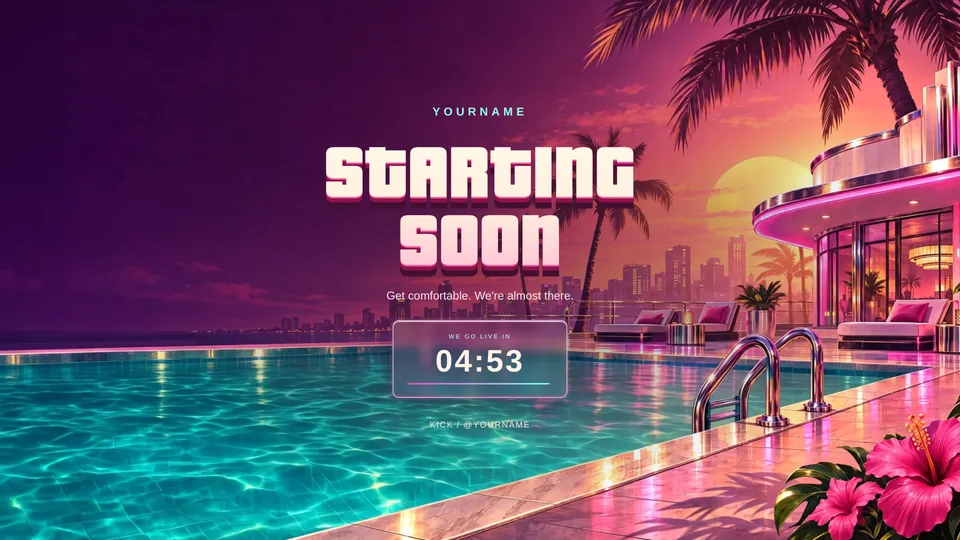
GTA 6 starting soon screenBeta
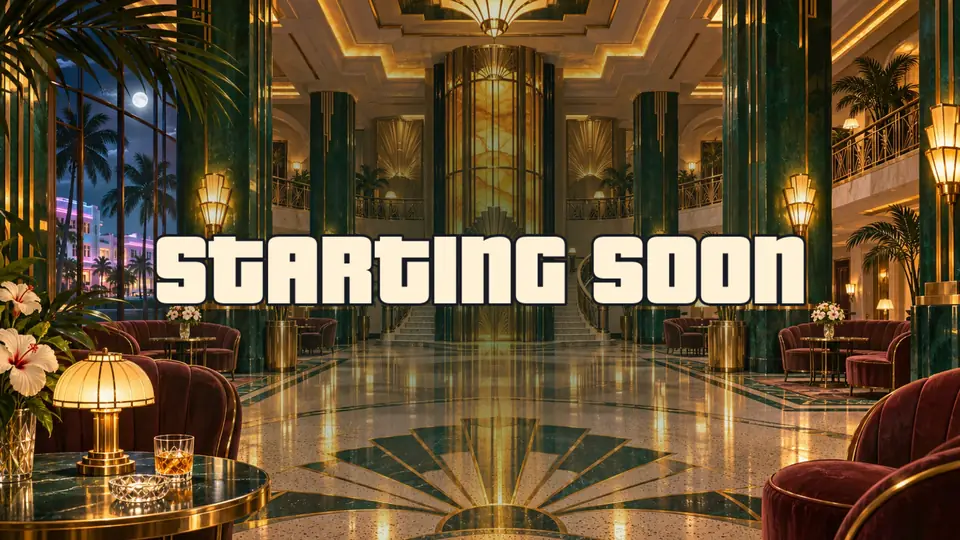
GTA 6 starting soon, BRB and ending screens
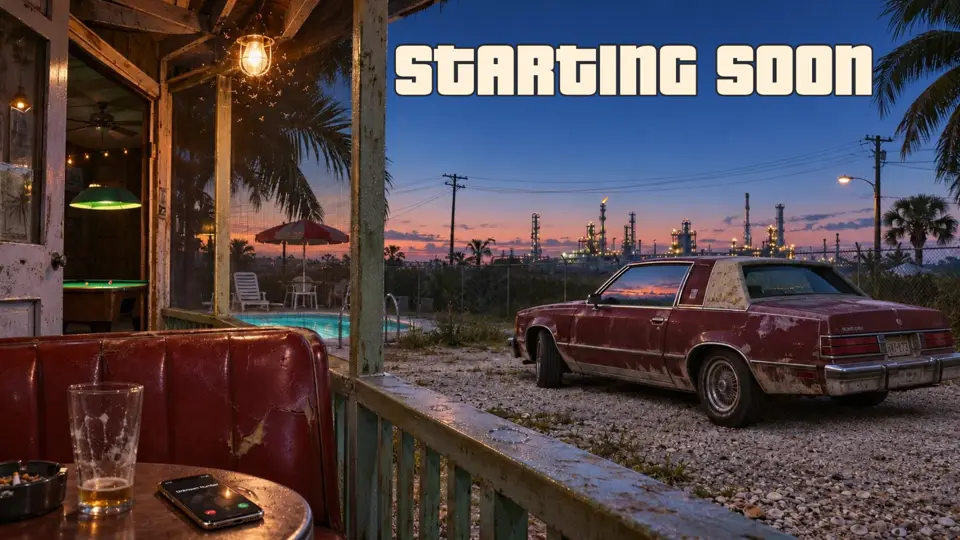
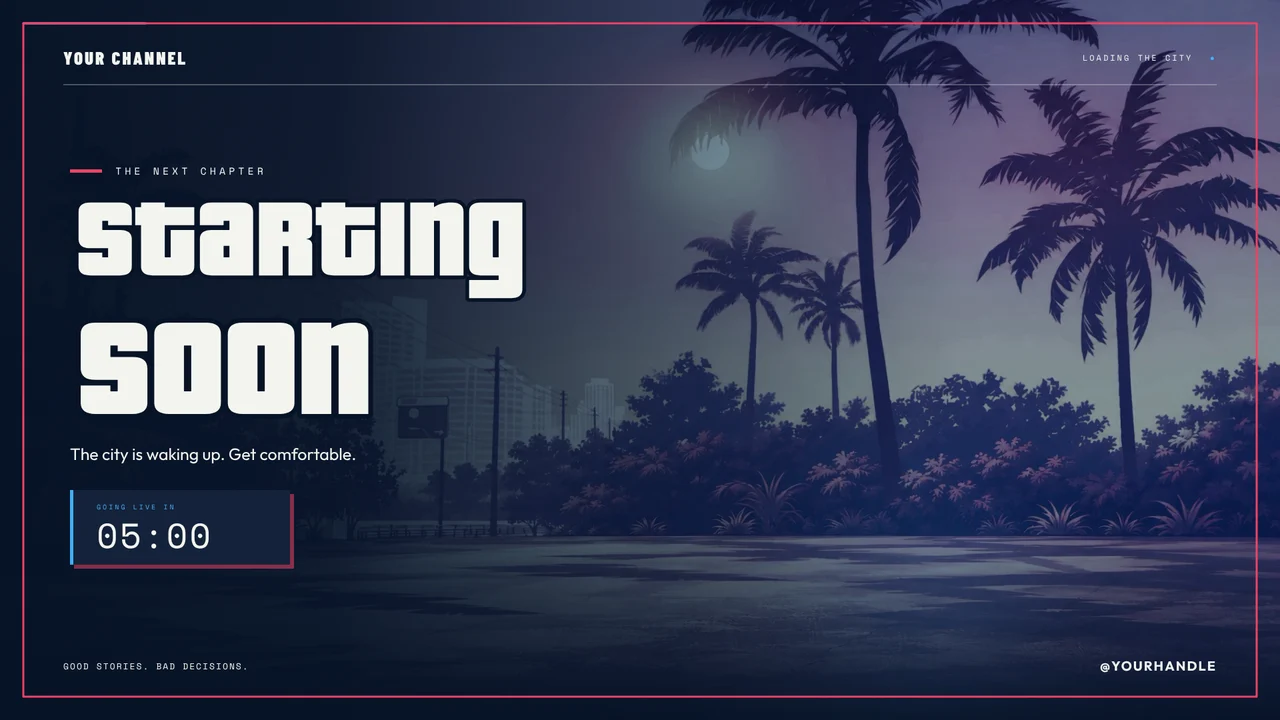
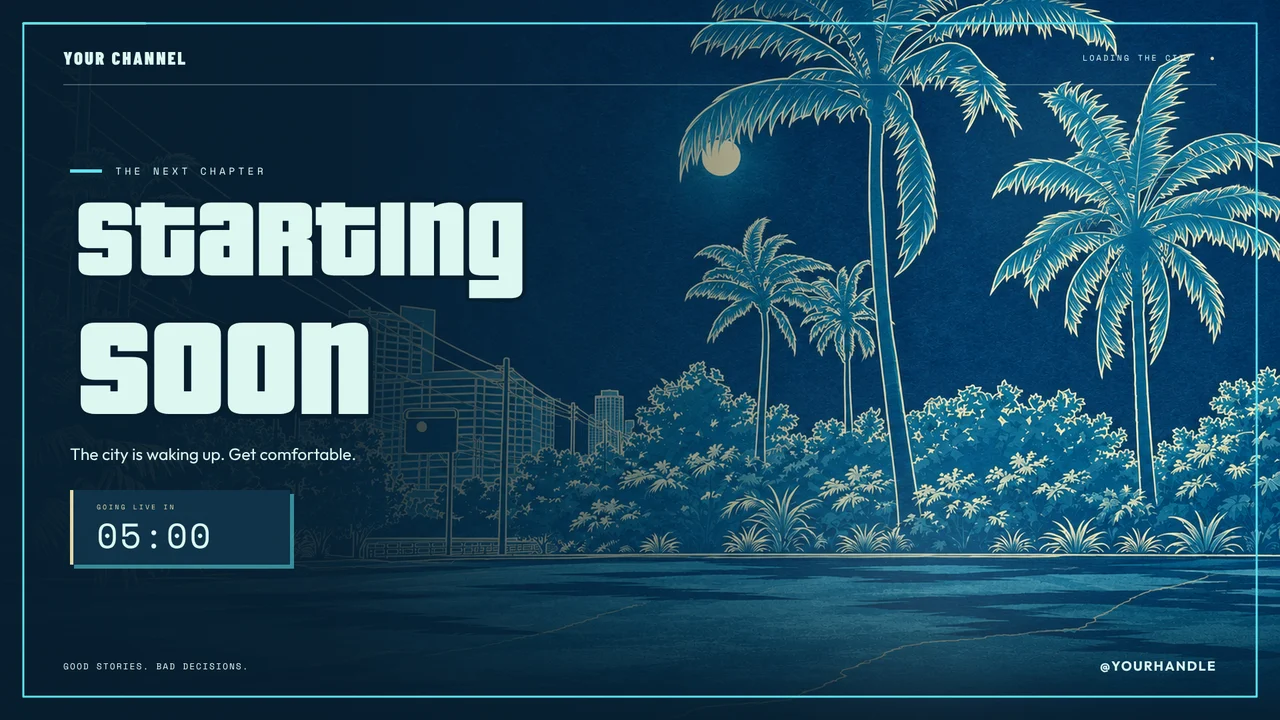
Open your stream on a moving Vice City skyline with a countdown, step away to a be right back screen that keeps people watching, and finish on an ending screen with your socials.
From $10Kick, Twitch and YouTubeSold in the StreamNeeds Marketplace
01
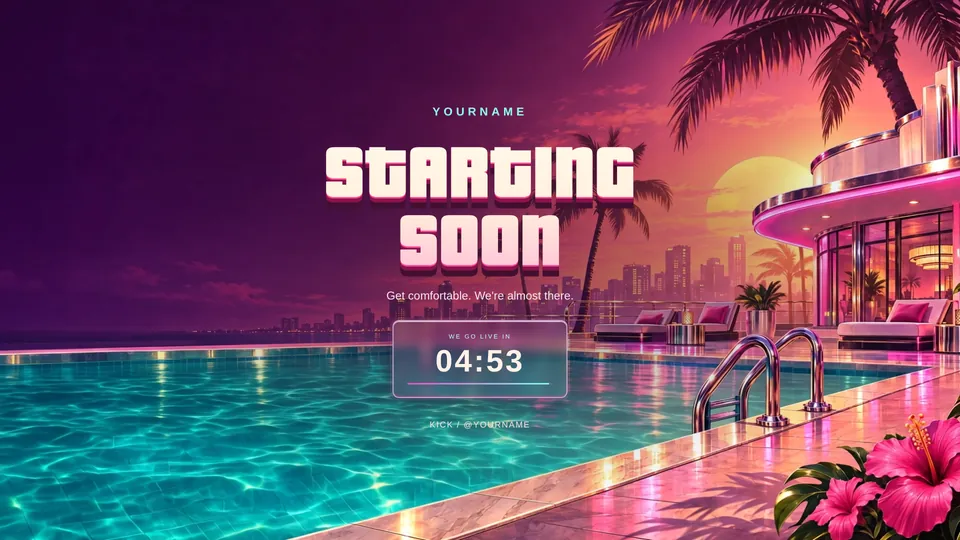
Starting soon, BRB and ending screens in the shop
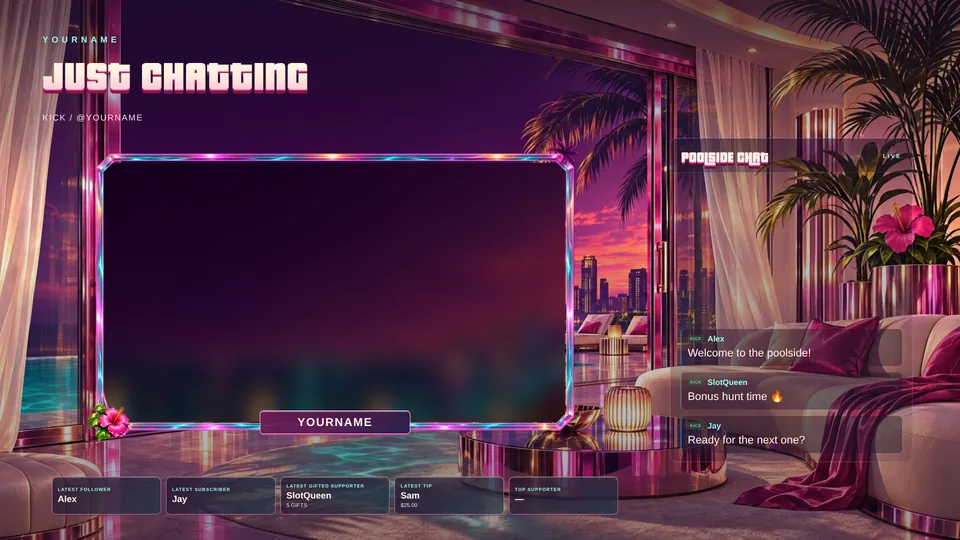
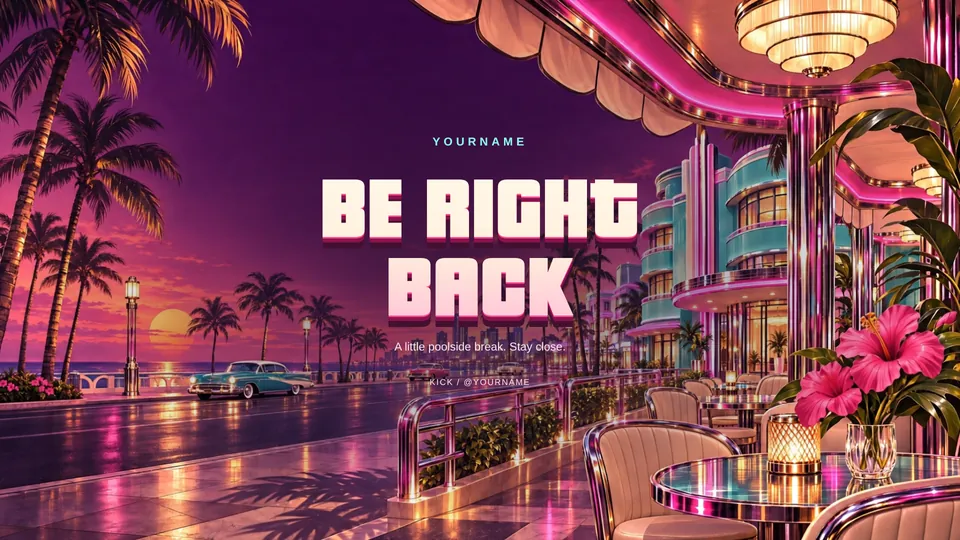
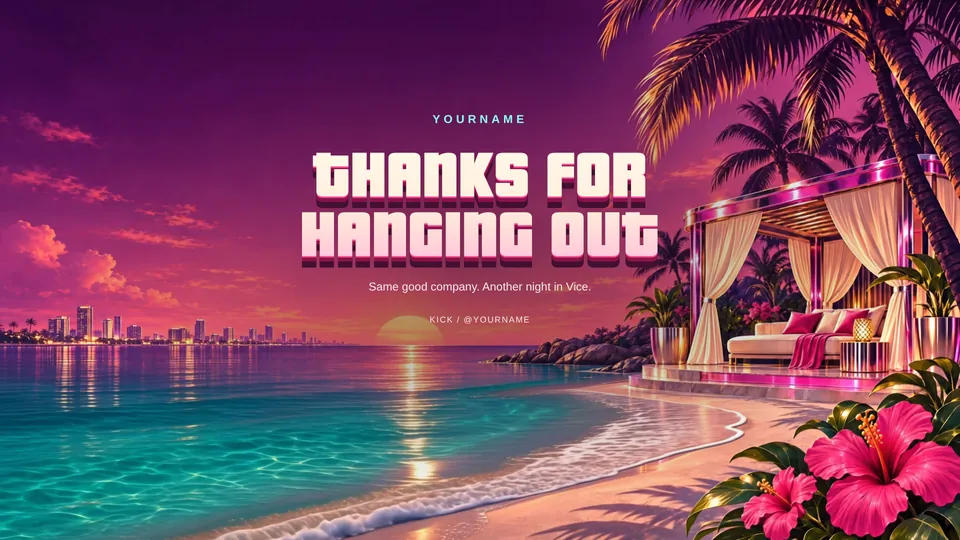
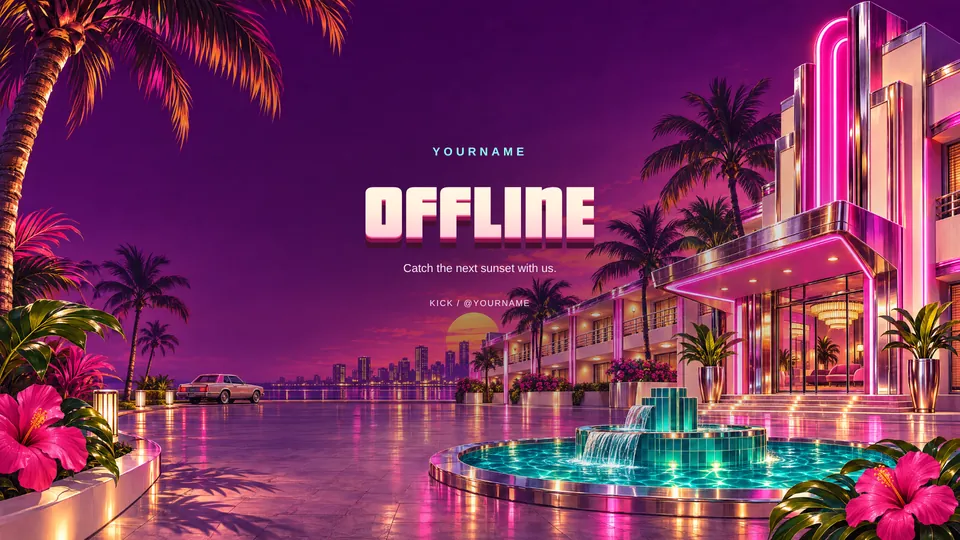
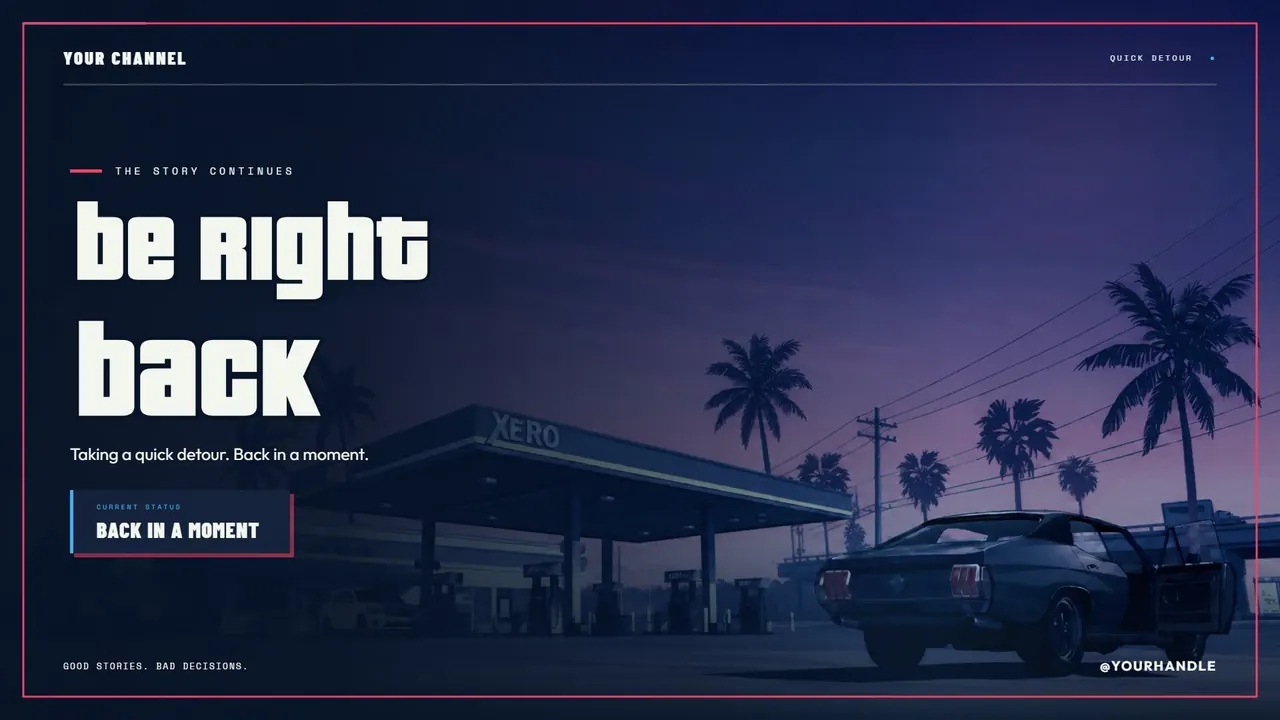
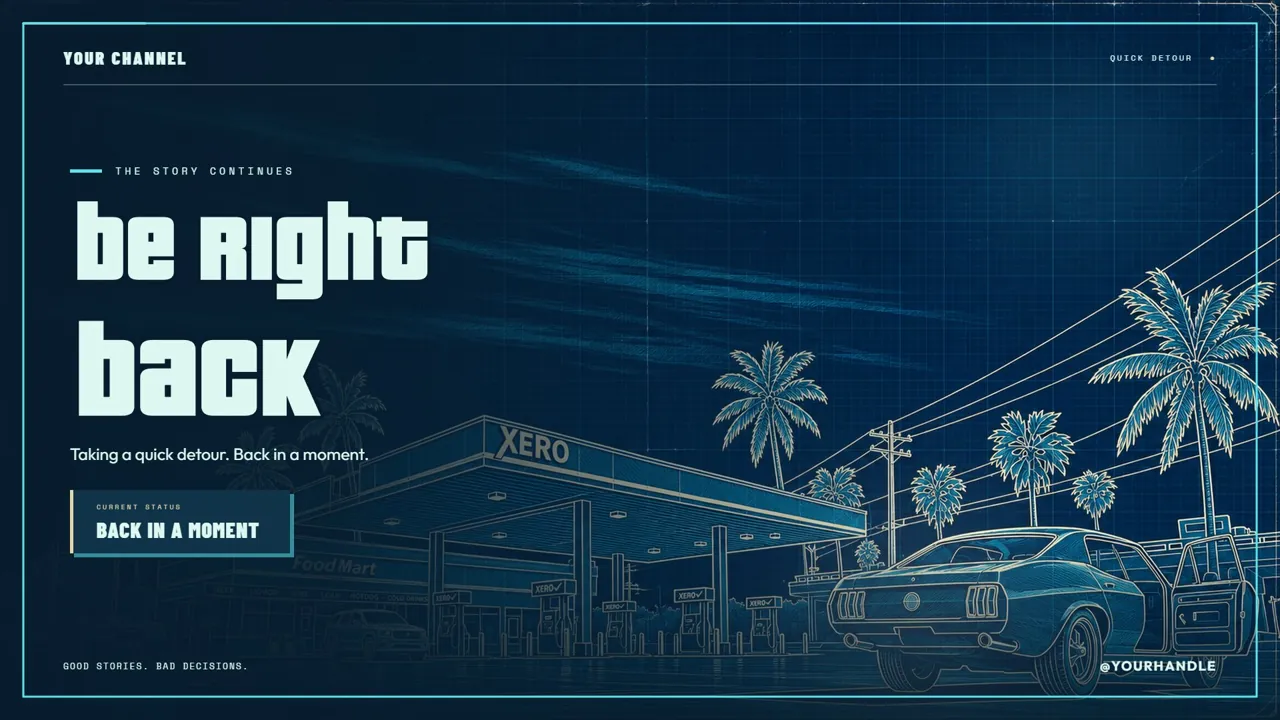
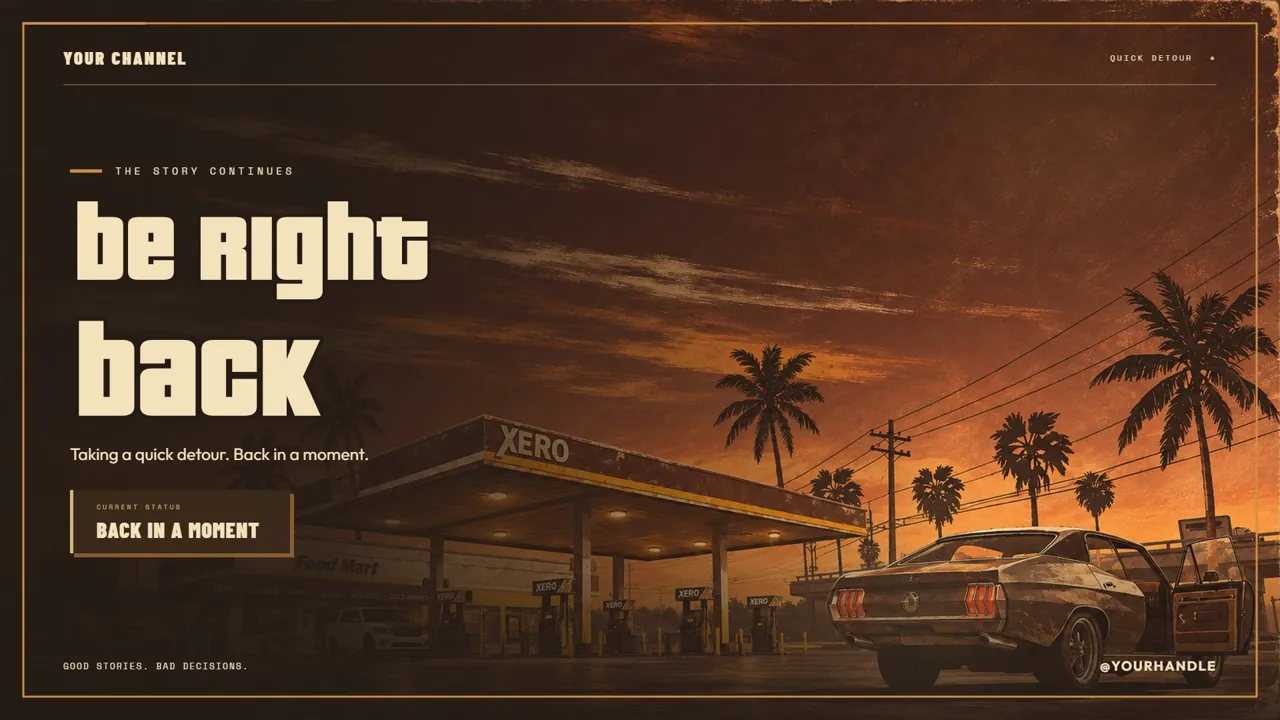
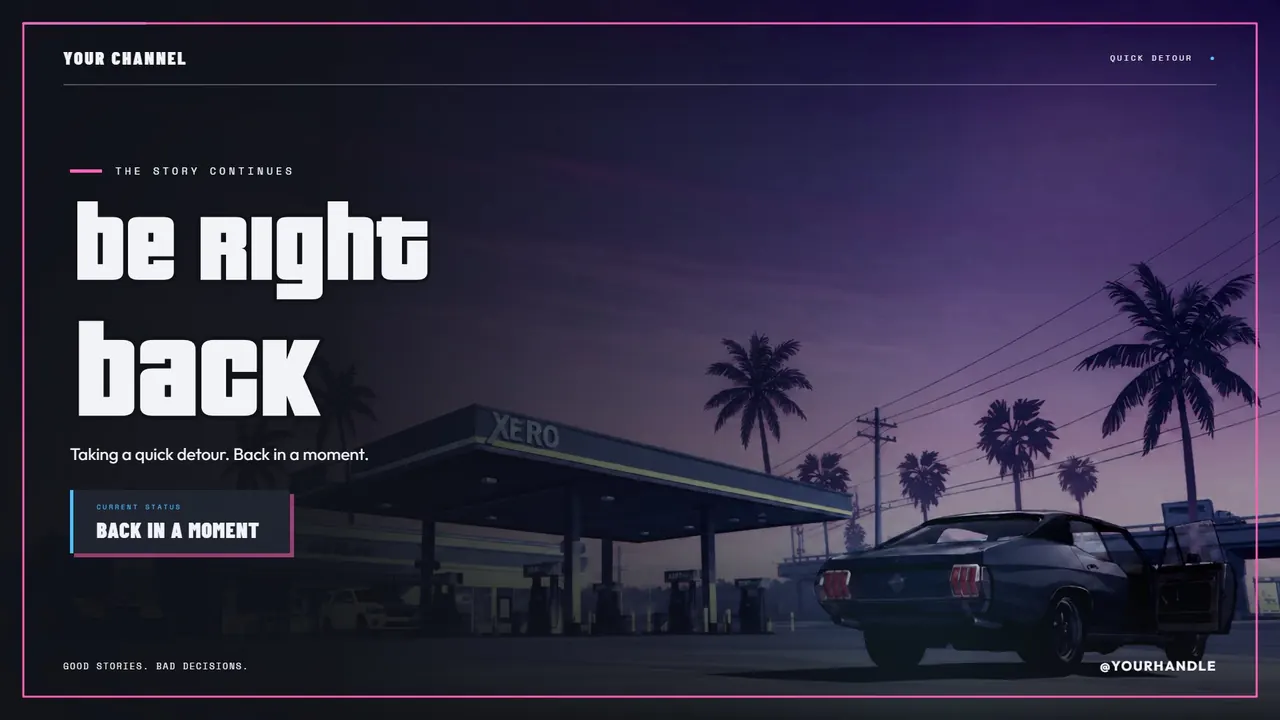
Starting soon, just chatting, be right back and ending screens that move. Press Play on any pack to watch it.
03
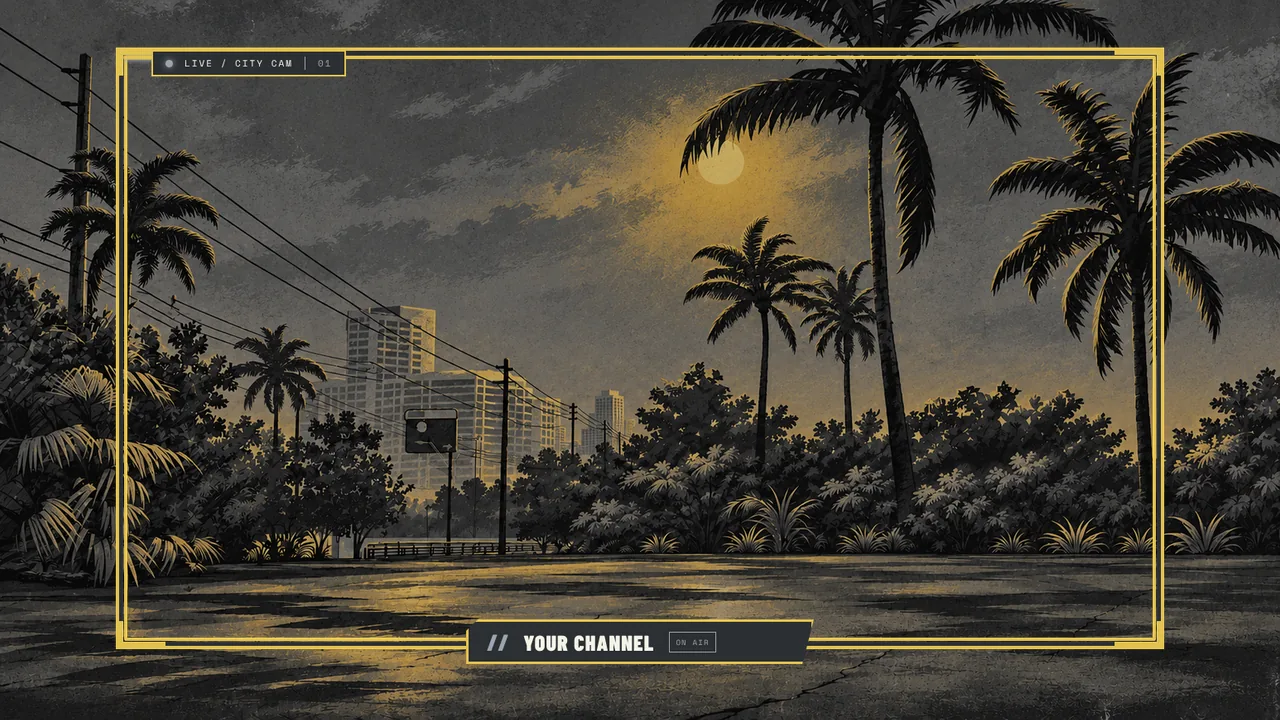
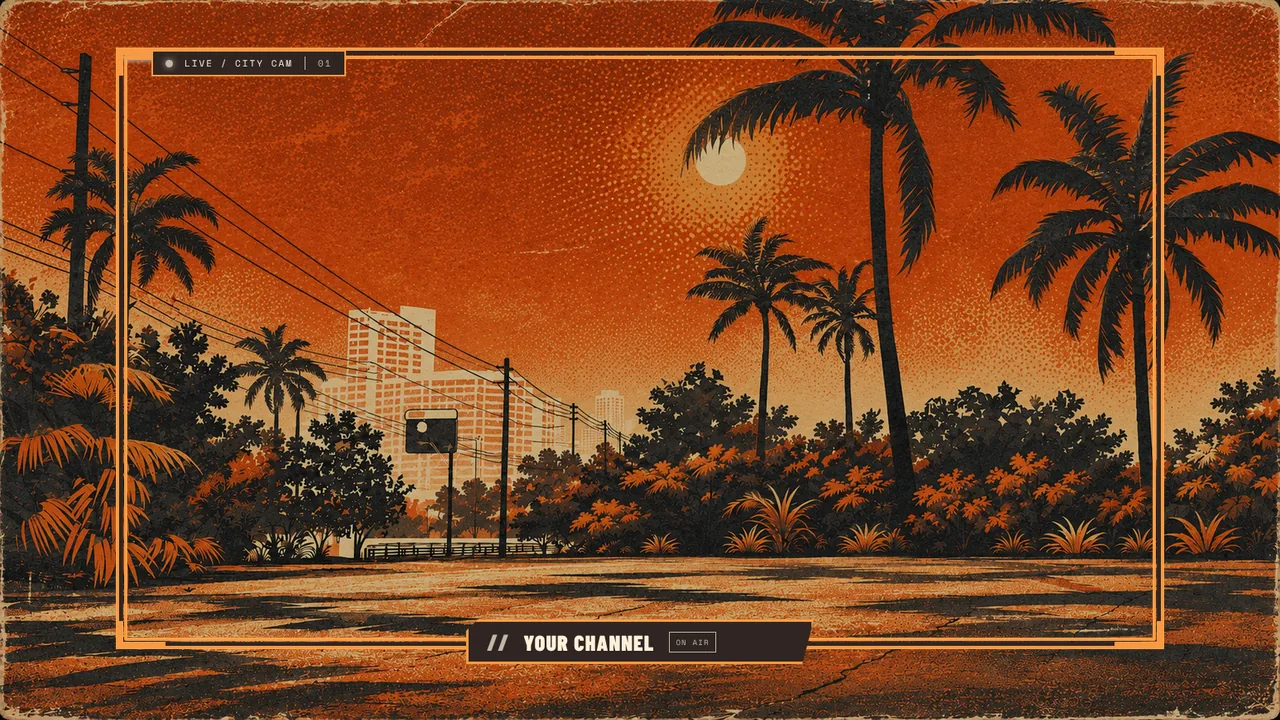
Webcam frames
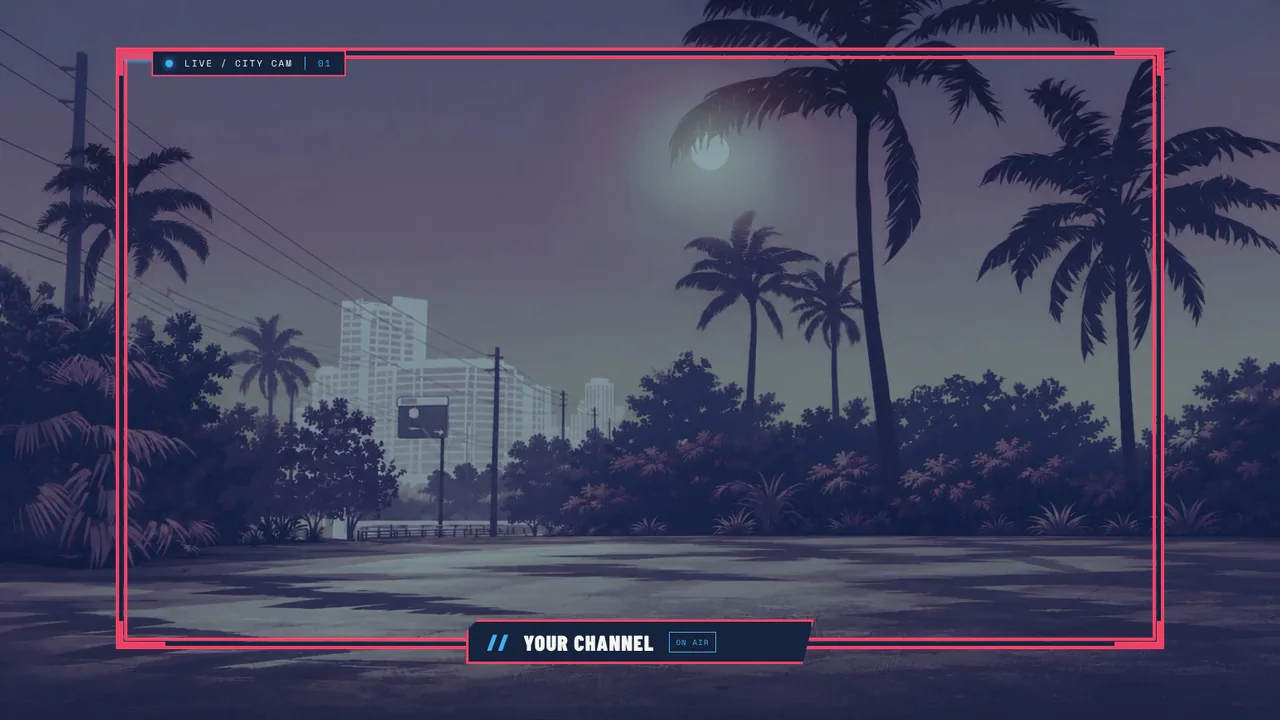
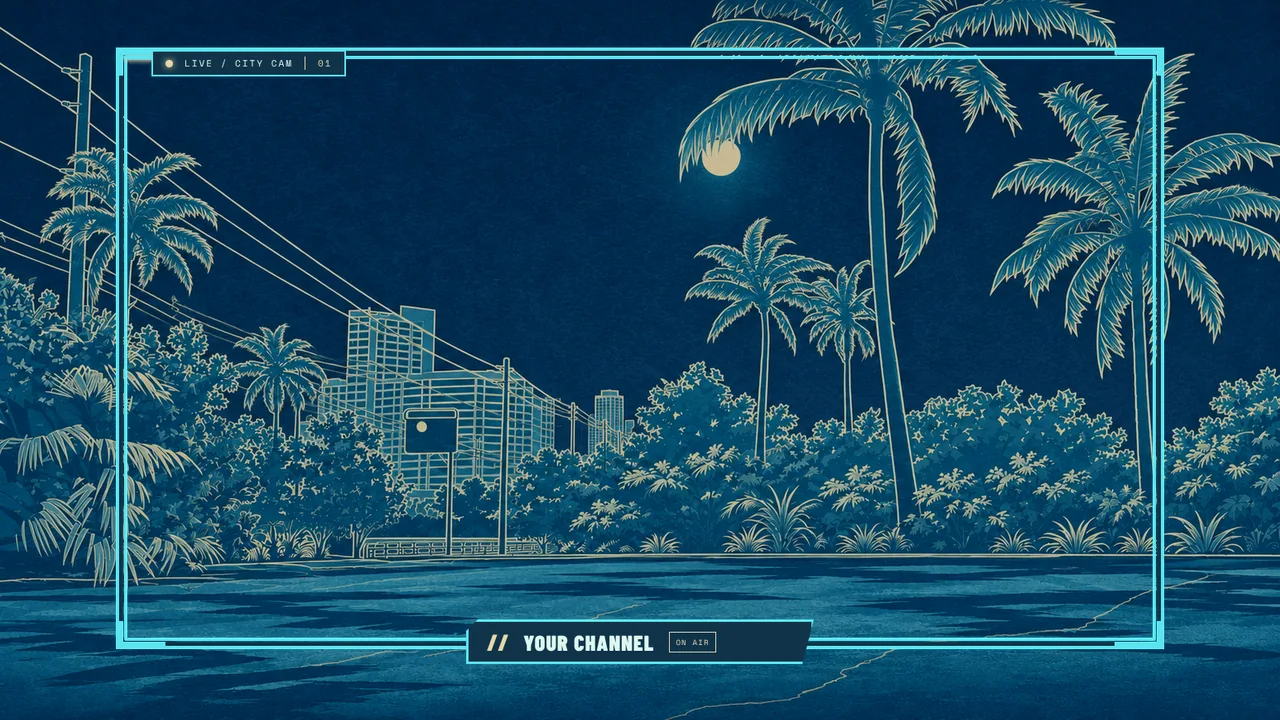
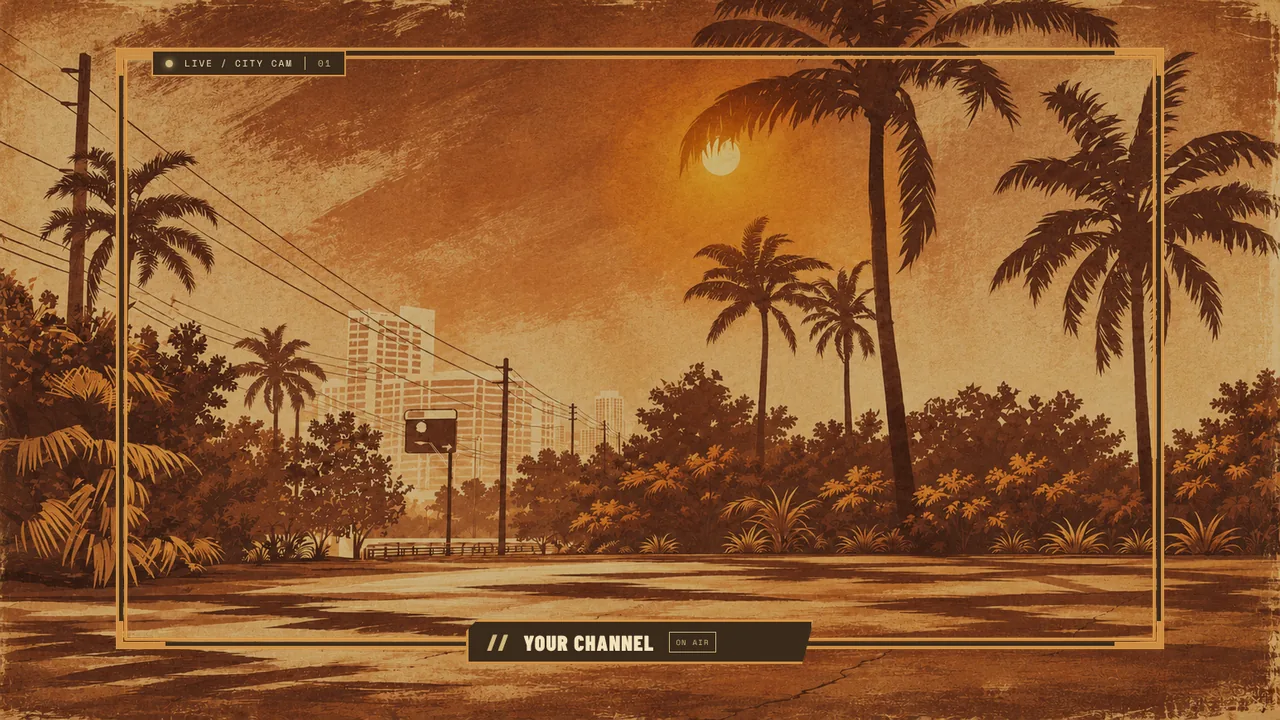
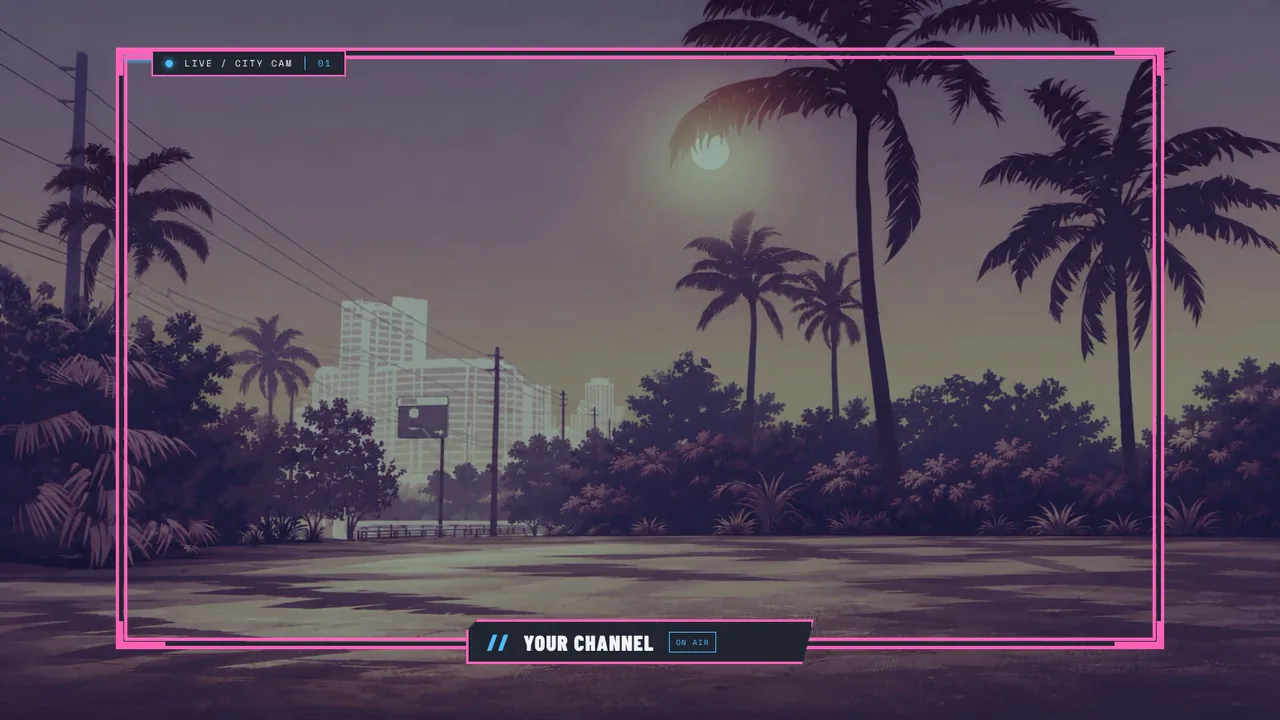
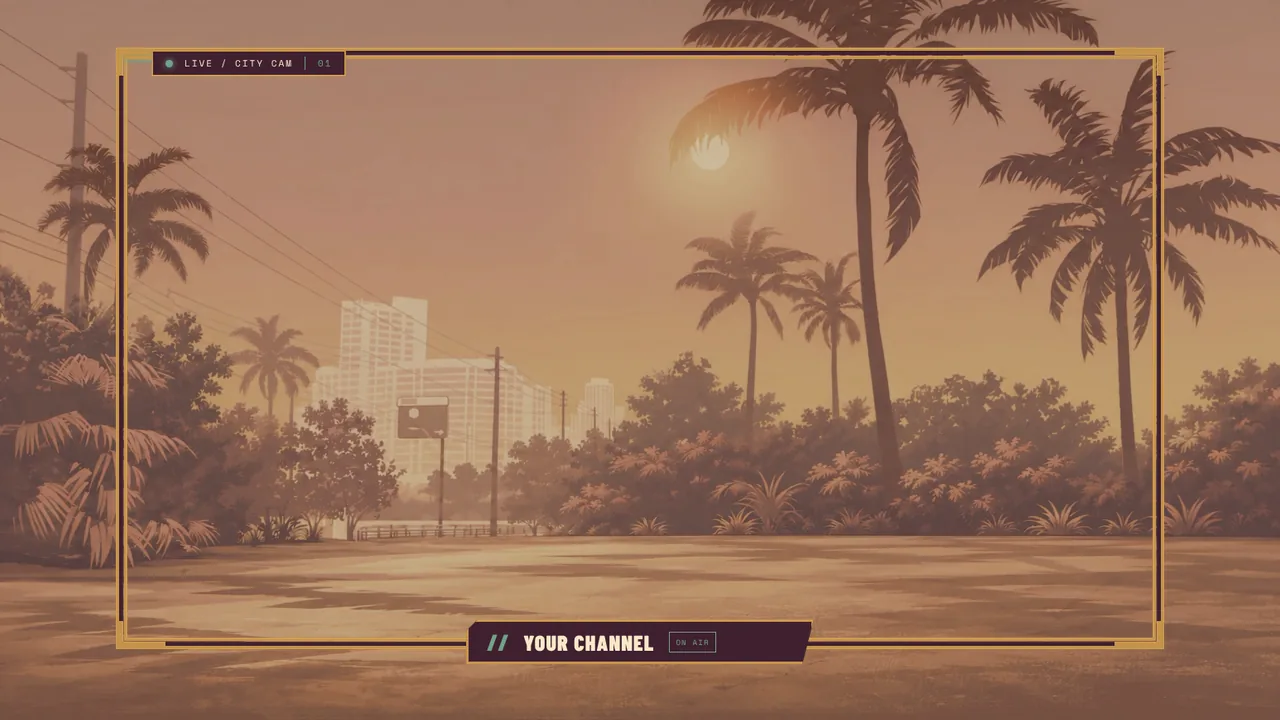
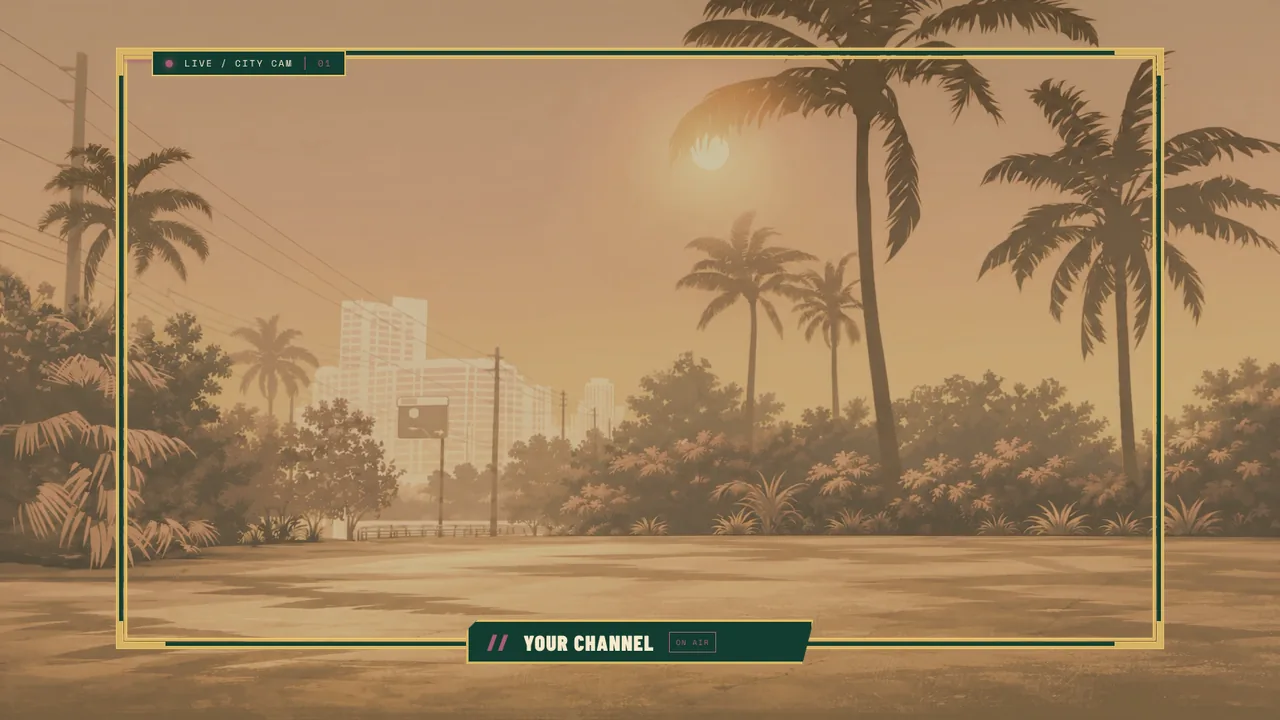
Frame your face cam in the same style as the rest of the show, with your name built in.
05
GTA 6 stream packs you can use today
Every pack below was made by the StreamNeeds team. Each one is $10 to keep forever, or included on every paid plan from $25 a month. Press Play to watch a moving scene; nothing heavy loads until you ask.
Browse GTA 6 packs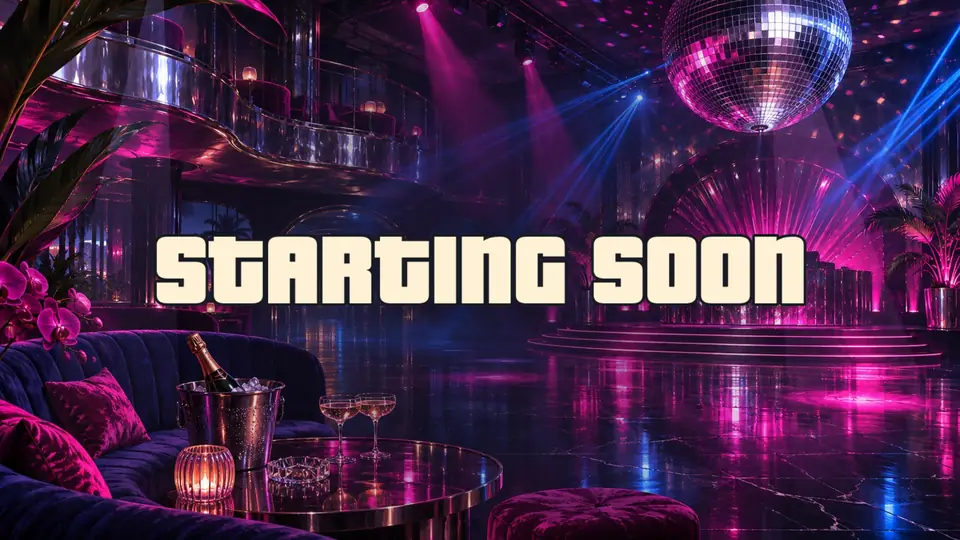
08
Everything you need to know
Setup, prices, platforms and answers, in plain words.
Quick answer
A GTA 6 starting soon screen is the scene viewers see before you go live: moving art, your name, a countdown and a short message. Every StreamNeeds GTA pack has one, along with be right back, stream ending and often offline and just chatting scenes. Add the pack, add the overlay to OBS as a browser source and switch scenes as you stream.
Every scene your stream needs
A GTA 6 pack gives you a matching scene for each part of the stream:
- Starting soon, with a countdown that runs to your start time
- Be right back, with your socials so viewers stay while you're away
- Stream ending, to thank viewers and point them to your next stream
- Offline and just chatting scenes in the bigger packs
Your name, words, countdown and socials are set in the editor and change on stream straight away.
Moving backgrounds and stingers
Many scenes are real moving loops: neon signs flicker, traffic rolls past and the sun sets over the water. Packs that come with stinger transitions give you the video and the cut point, ready for OBS.
Moving backgrounds and stingers are also downloads, so you can use them anywhere.
Switch scenes from your phone or Stream Deck
Every overlay scene gets its own Stream Pad button, so you can switch from starting soon to live with one tap on your phone or a Stream Deck.
How to add a GTA 6 starting soon screen to OBS
Add a GTA pack
Pick a pack below and add it to your account. Its scenes appear in your overlay editor.
Set your countdown and words
Open the starting soon scene, set your start time, your name and a short message.
Add it to OBS
Copy the overlay link into OBS as a browser source at 1920 × 1080, in your starting soon scene.
Add the stinger
Download the pack's stinger, add it as an OBS stinger transition and set the cut point the pack gives you.
09
Frequently asked questions
What should a GTA 6 starting soon screen have?
Moving art in the game's style, your name, a countdown to your start time and a short line about what you're playing. Keep it simple so it reads on a phone.
How long should a starting soon screen run?
Most streamers run it for 3 to 10 minutes so viewers can arrive before the game starts.
Does the countdown work in OBS?
Yes. The countdown is part of the browser source and runs to the time you set in the editor.
Can I get just a GTA 6 BRB screen?
Each pack comes with all its scenes together, so you get starting soon, BRB and ending screens that match, from $10.
Get your stream ready for Vice City
Make a free StreamNeeds account, pick a pack and it lands in your overlay editor and alerts in one click. Buy one pack to keep, or get every StreamNeeds pack with Boost.
More for your GTA 6 stream
StreamNeeds is not made by, linked to or endorsed by Rockstar Games or Take-Two Interactive. Grand Theft Auto, GTA and Vice City are their trademarks, used here only to describe what the packs are for. All pack art is original work by the StreamNeeds team.