How to stream GTA 6Beta
How to stream GTA 6, with an overlay and alerts
GTA 6 is out on PS5 and Xbox Series X|S from 19 November 2026. Here's how to stream it to Twitch, Kick or YouTube with your own overlay, webcam and alerts.
From $10Kick, Twitch and YouTubeSold in the StreamNeeds Marketplace
07
How to stream GTA 6 step by step
Turn off HDCP (PS5)
On PS5 go to Settings, System, HDMI and turn off Enable HDCP, or the capture card shows a black screen. Xbox doesn't need this for games.
Connect the capture card
Console HDMI out to the capture card's input, the card's output to your TV or monitor, and the card to your PC by USB.
Add the game to OBS
In OBS add a Video Capture Device source, pick the capture card and set it to 1920 × 1080 at 60 fps.
Add your GTA 6 overlay
Add your StreamNeeds overlay and alert box as browser sources at 1920 × 1080, above the game.
Connect and go live
Connect Twitch, Kick or YouTube in OBS, check your audio, fire a test alert and start streaming.
05
GTA 6 stream packs you can use today
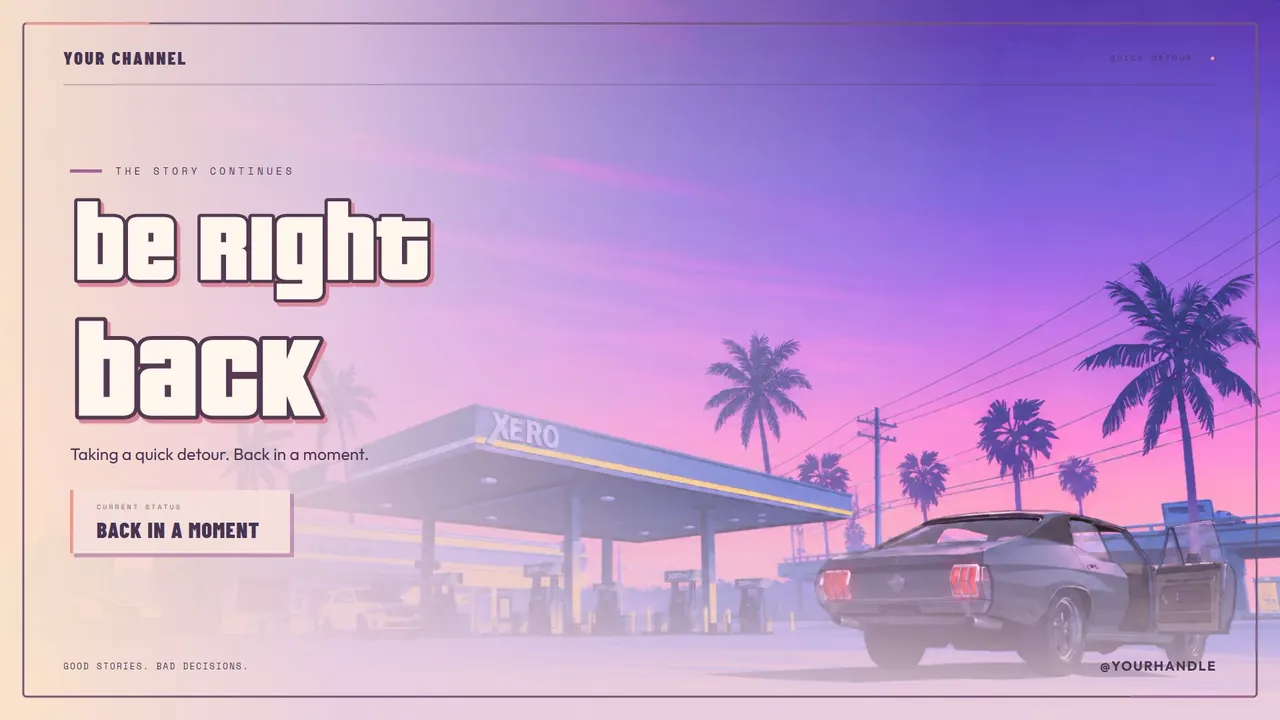
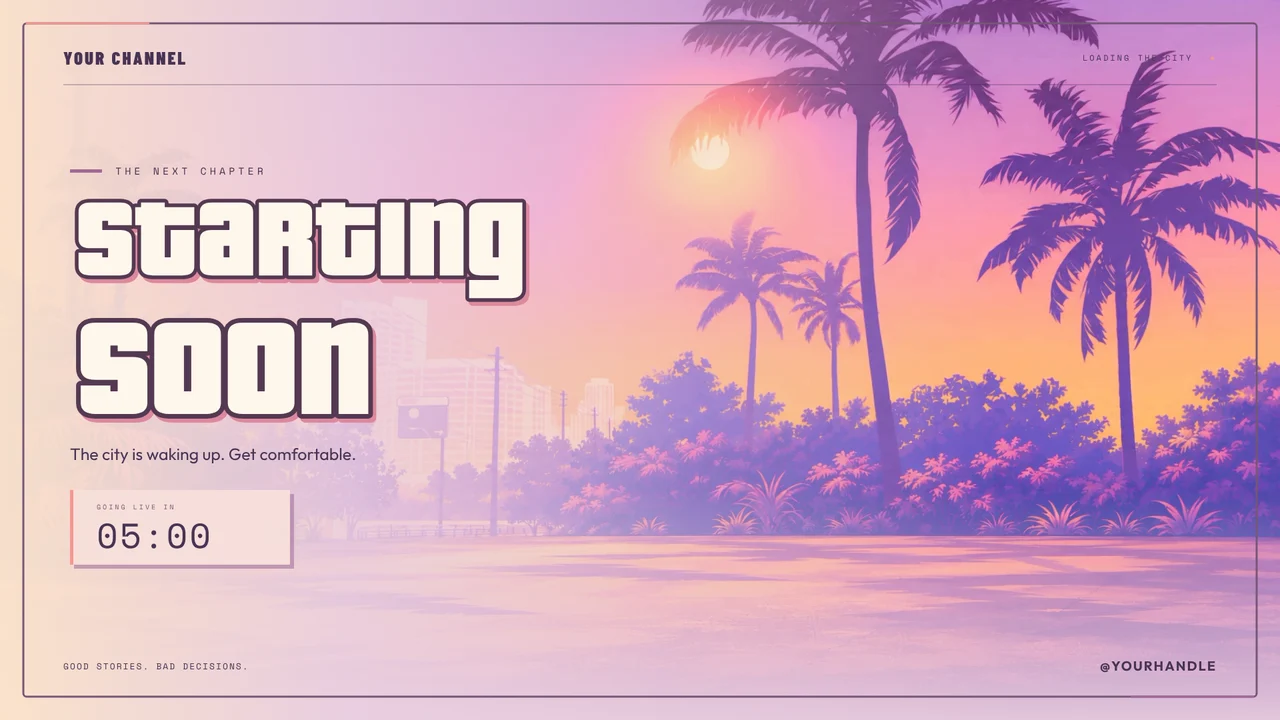
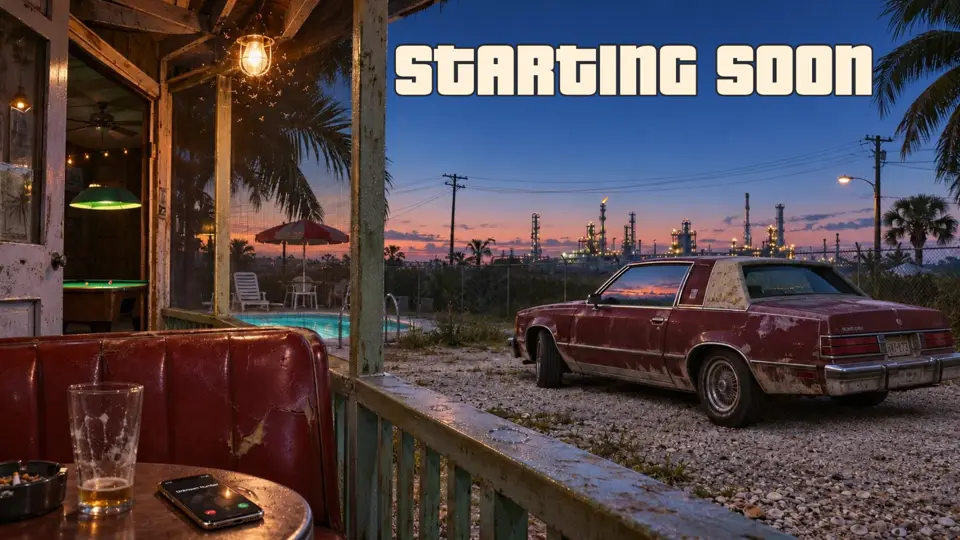
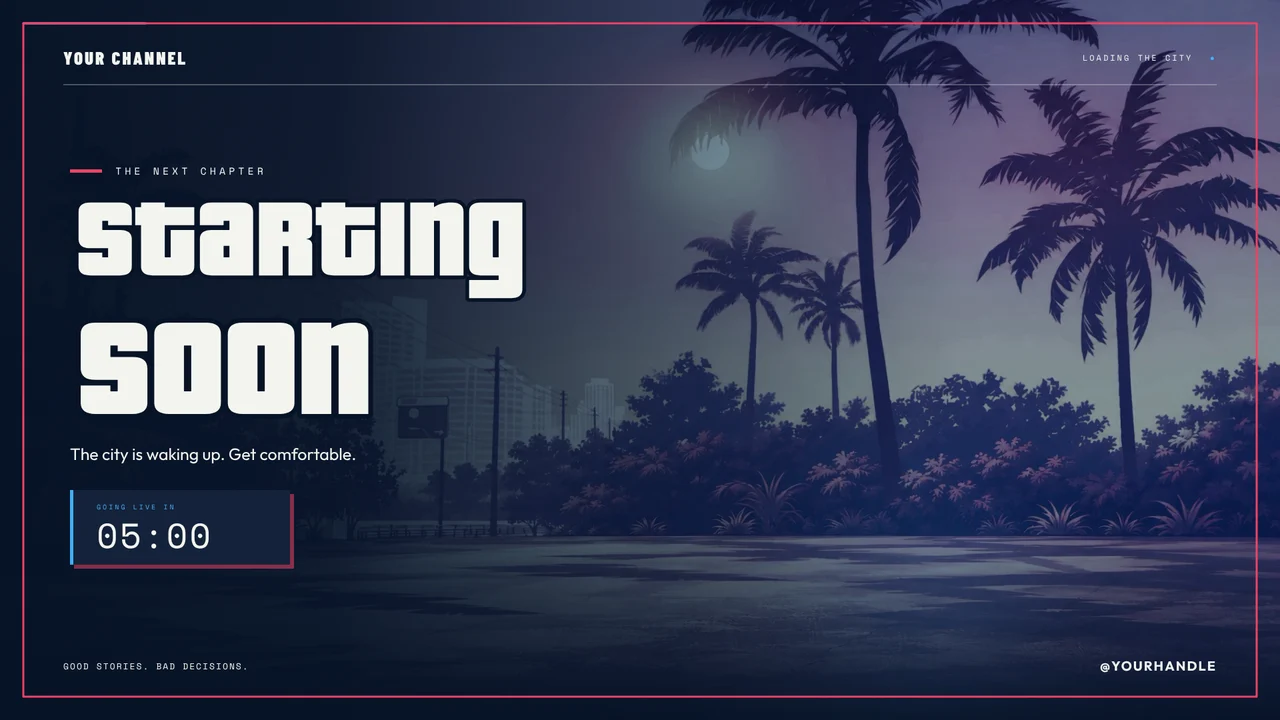
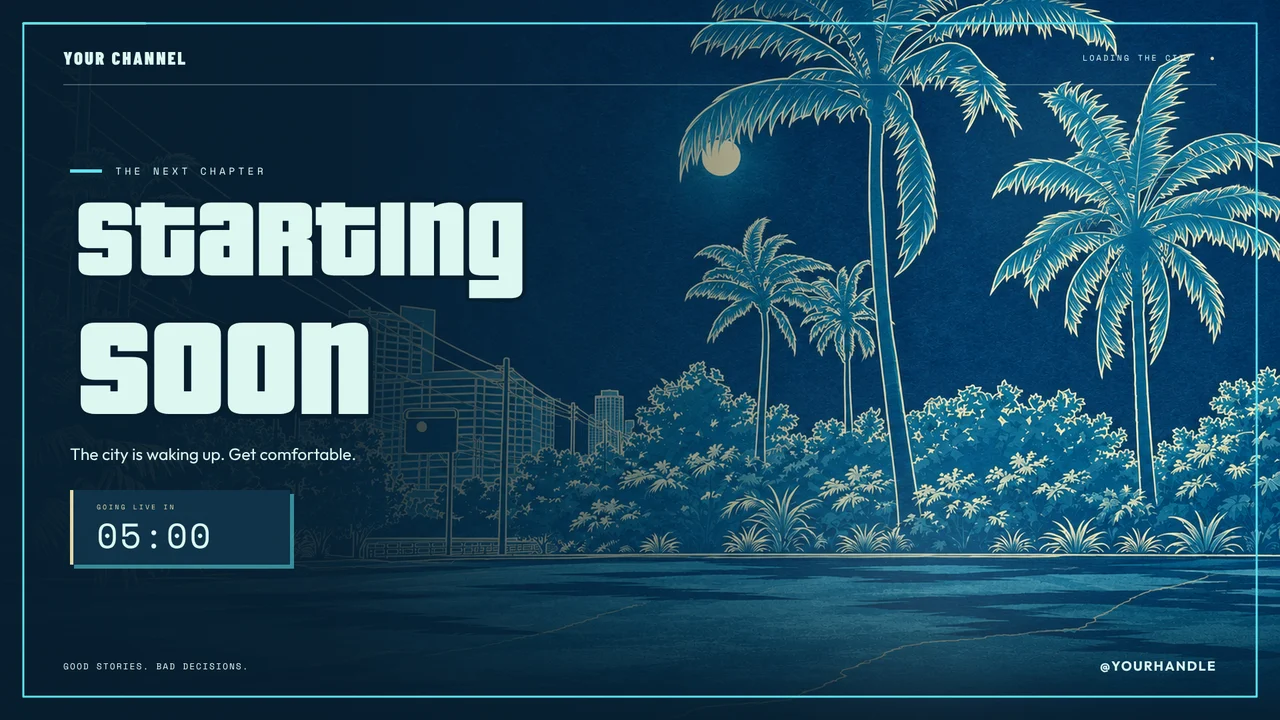
Every pack below was made by the StreamNeeds team. Each one is $10 to keep forever, or included on every paid plan from $25 a month. Press Play to watch a moving scene; nothing heavy loads until you ask.
Browse GTA 6 packs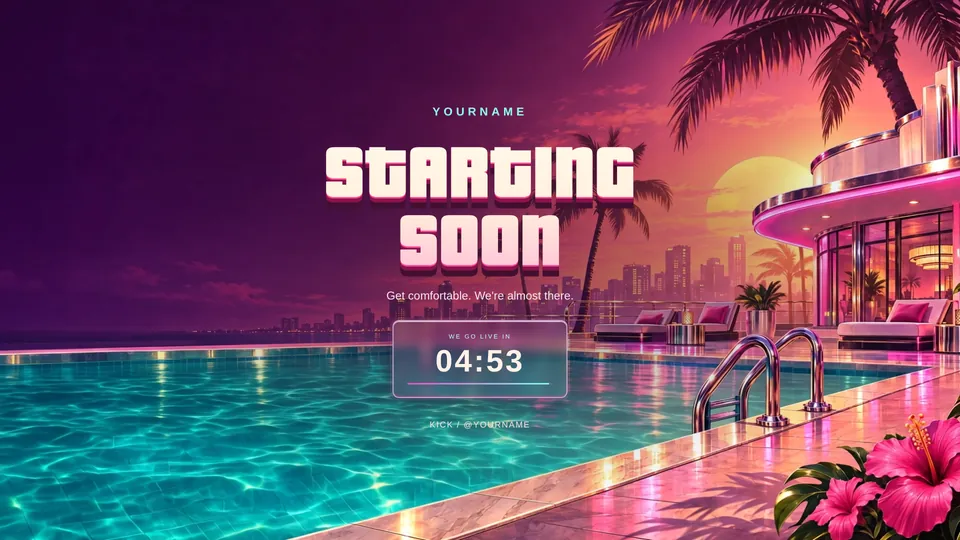


08
Everything you need to know
Setup, prices, platforms and answers, in plain words.
Quick answer
To stream GTA 6 with an overlay, connect your PS5 or Xbox Series X|S to a capture card, plug the capture card into a PC or Mac and add it to OBS as a video capture device. Turn off HDCP on the PS5 first. Add your GTA 6 overlay and alerts to OBS as browser sources, set 1080p at 60 fps, connect your Twitch, Kick or YouTube account and go live. The consoles' own streaming can't show a custom overlay.
What you need
To stream GTA 6 with your own overlay you need:
- A PS5 or Xbox Series X|S (GTA 6 is console-only at launch)
- A capture card that passes through 4K or 1080p at 60 fps
- A PC or Mac running OBS Studio
- A webcam and microphone, plus a GTA 6 overlay and alerts
Recommended OBS settings for GTA 6
GTA 6 is fast and detailed, so give it enough bitrate. For 1080p at 60 fps:
- Twitch: about 6,000 kbps
- Kick: up to about 8,000 kbps
- YouTube: about 9,000 to 12,000 kbps
- Use your graphics card's encoder (NVENC, AMF or Apple) to keep your PC smooth
If your upload is slow, drop to 720p at 60 fps rather than lowering the frame rate.
Can't use a capture card?
PS Remote Play on a PC, or Xbox Cloud Gaming in a browser, can be captured in OBS without a capture card. The picture is softer and there's more delay, but it's a way to start with an overlay today.
09
Frequently asked questions
Can you stream GTA 6 on PS5 with an overlay?
Not with the PS5's built-in streaming, which can't show a custom overlay. Use a capture card and OBS, then add your overlay there.
Is GTA 6 on PC?
Not at launch. GTA 6 is out on PS5 and Xbox Series X|S from 19 November 2026, and can also be played through Xbox Cloud Gaming.
What's the best resolution to stream GTA 6?
1080p at 60 fps for most streamers. Play in 4K if your capture card passes it through, and stream at 1080p.
Why is my capture card showing a black screen?
On PS5 this is almost always HDCP. Turn off Enable HDCP in Settings, System, HDMI.
How do I add alerts to my GTA 6 stream?
Add a GTA pack's alerts or your own on StreamNeeds, add the alert box to OBS as a browser source and connect Kick or Twitch.
Get your stream ready for Vice City
Make a free StreamNeeds account, pick a pack and it lands in your overlay editor and alerts in one click. Buy one pack to keep, or get every StreamNeeds pack with Boost.
More for your GTA 6 stream
StreamNeeds is not made by, linked to or endorsed by Rockstar Games or Take-Two Interactive. Grand Theft Auto, GTA and Vice City are their trademarks, used here only to describe what the packs are for. All pack art is original work by the StreamNeeds team.