Overlay Marketplace
Chat overlays that show every chat at once
Put your chat on screen in a box that matches your stream. One chat overlay can show Kick, Twitch, YouTube and Discord chat together, with emotes and badges.
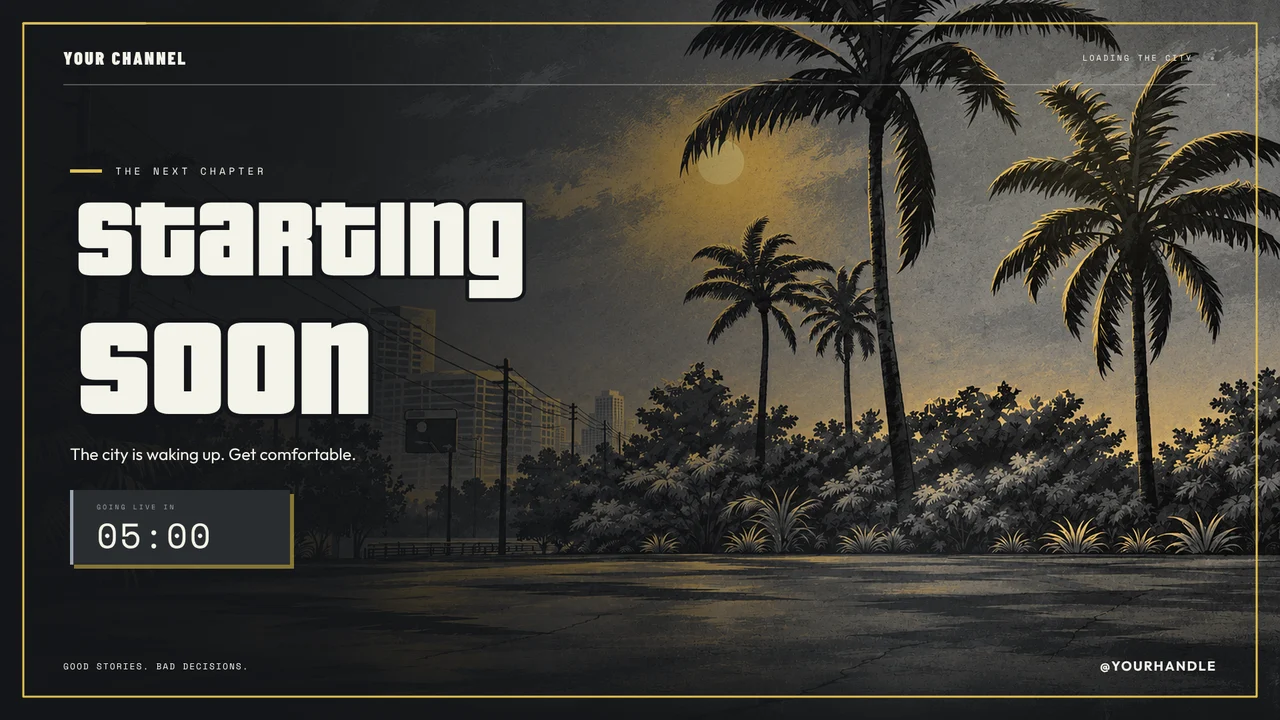
City Nights: Liberty City Concrete
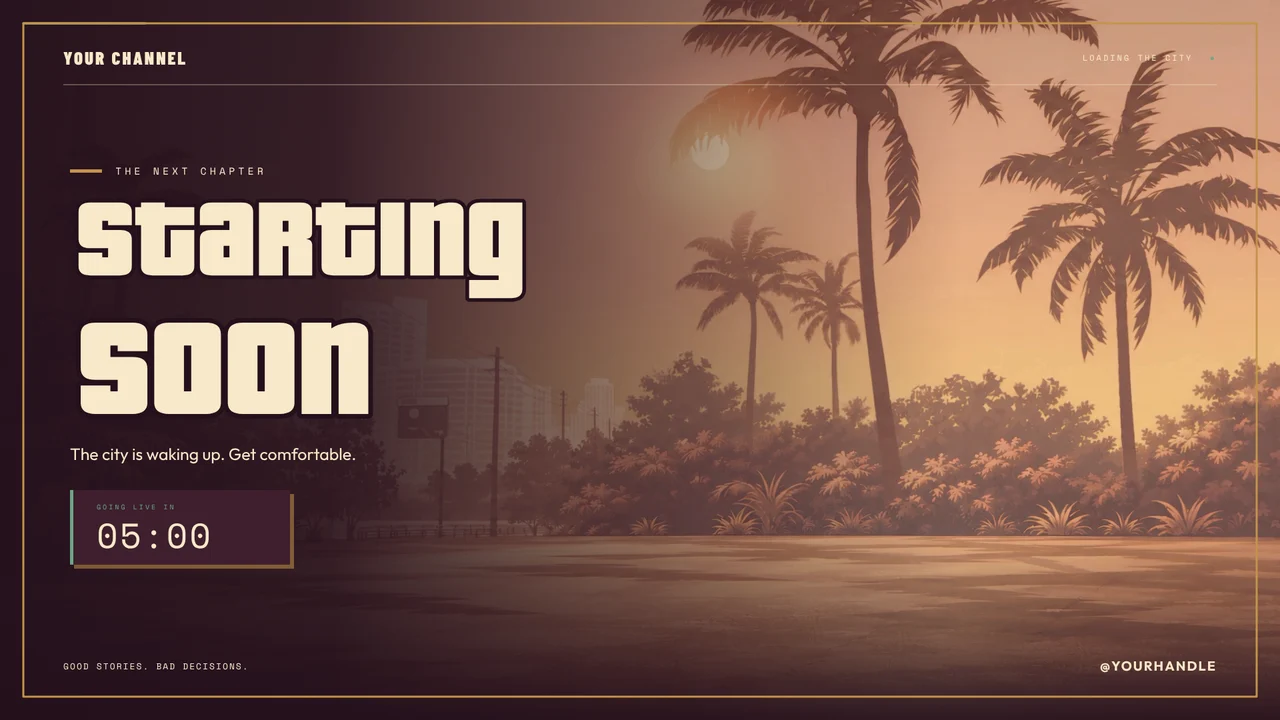
City Nights: Lowrider Social Club
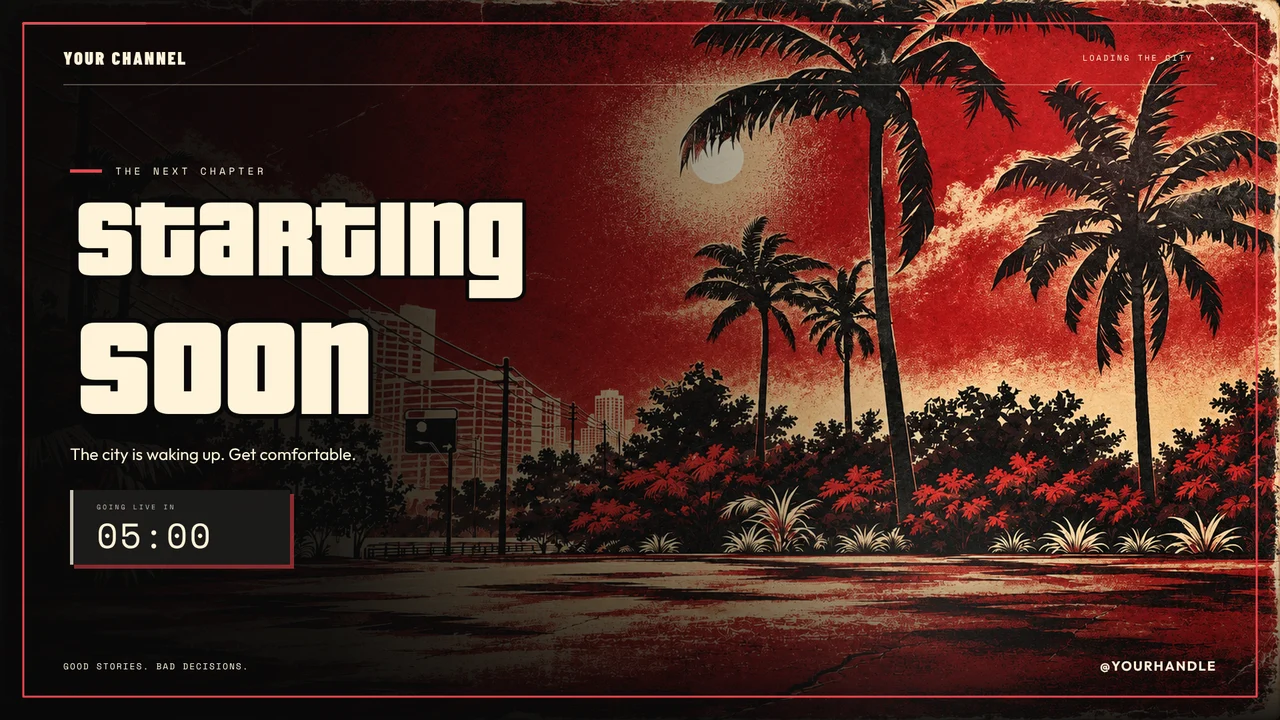
City Nights: Underground Fight Night
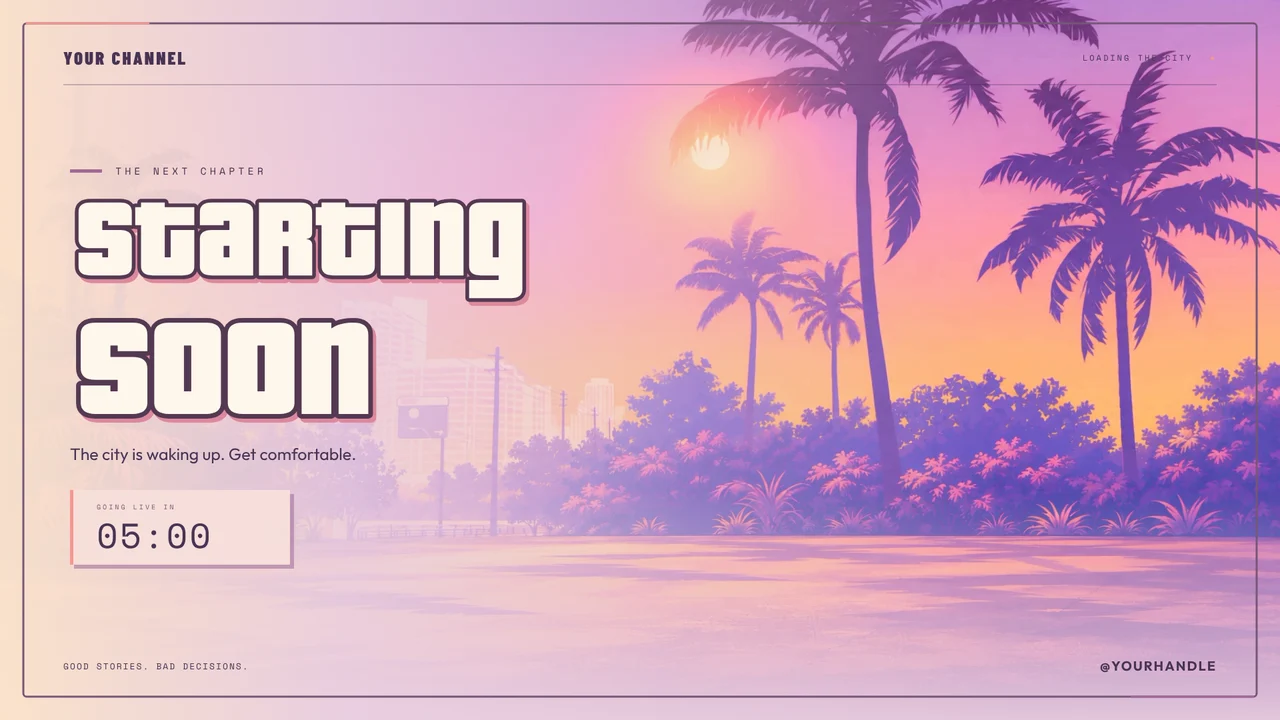
City Nights: GTA 6 Illustration Style
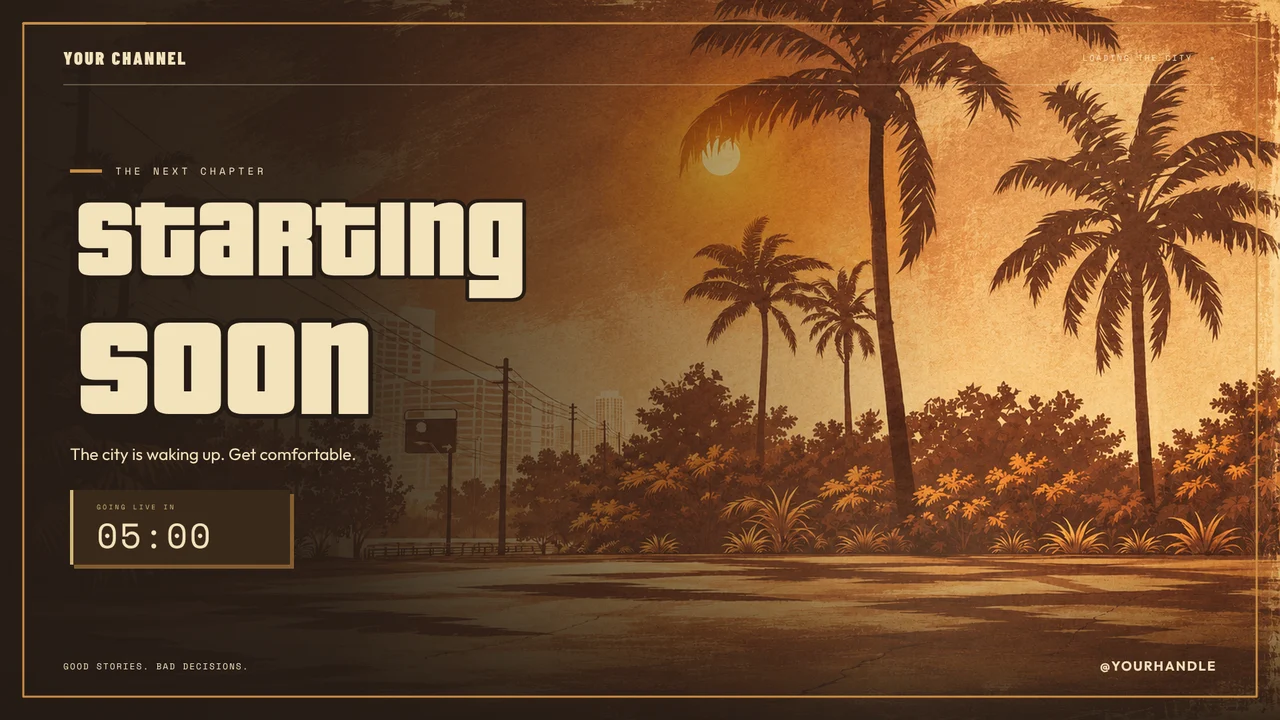
City Nights: Blaine County After Dark
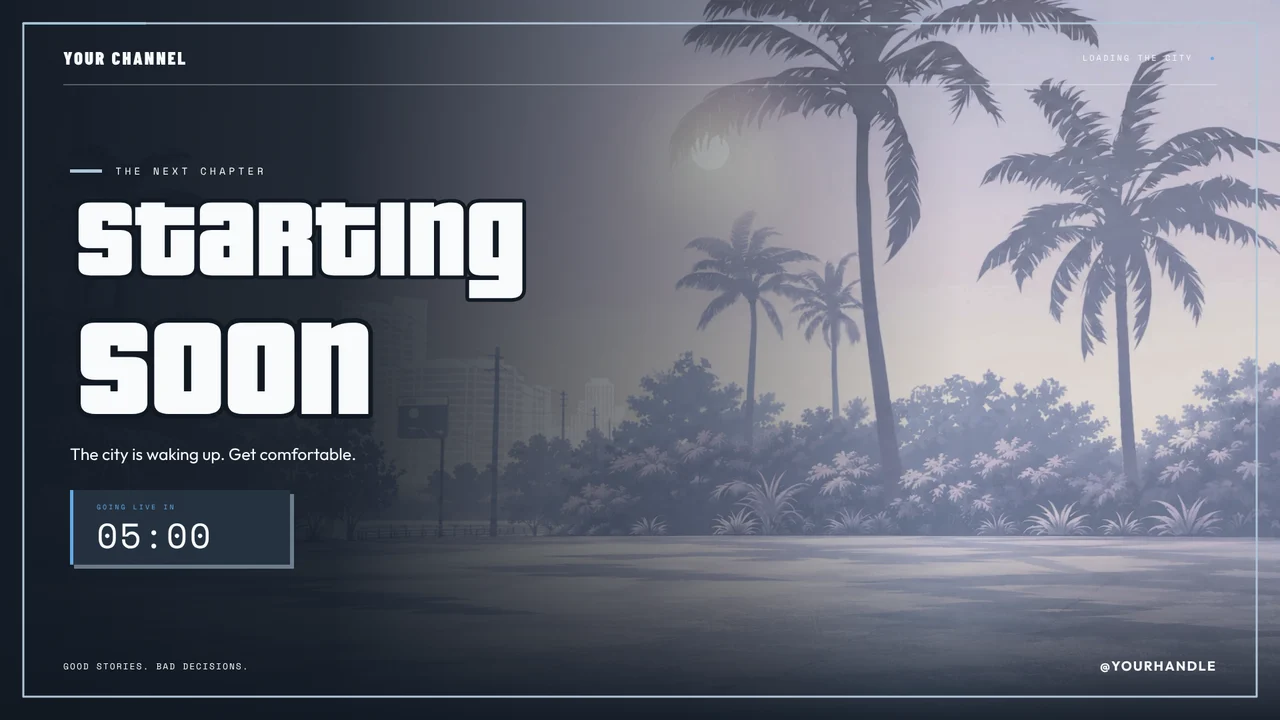
City Nights: Luxury Dealership
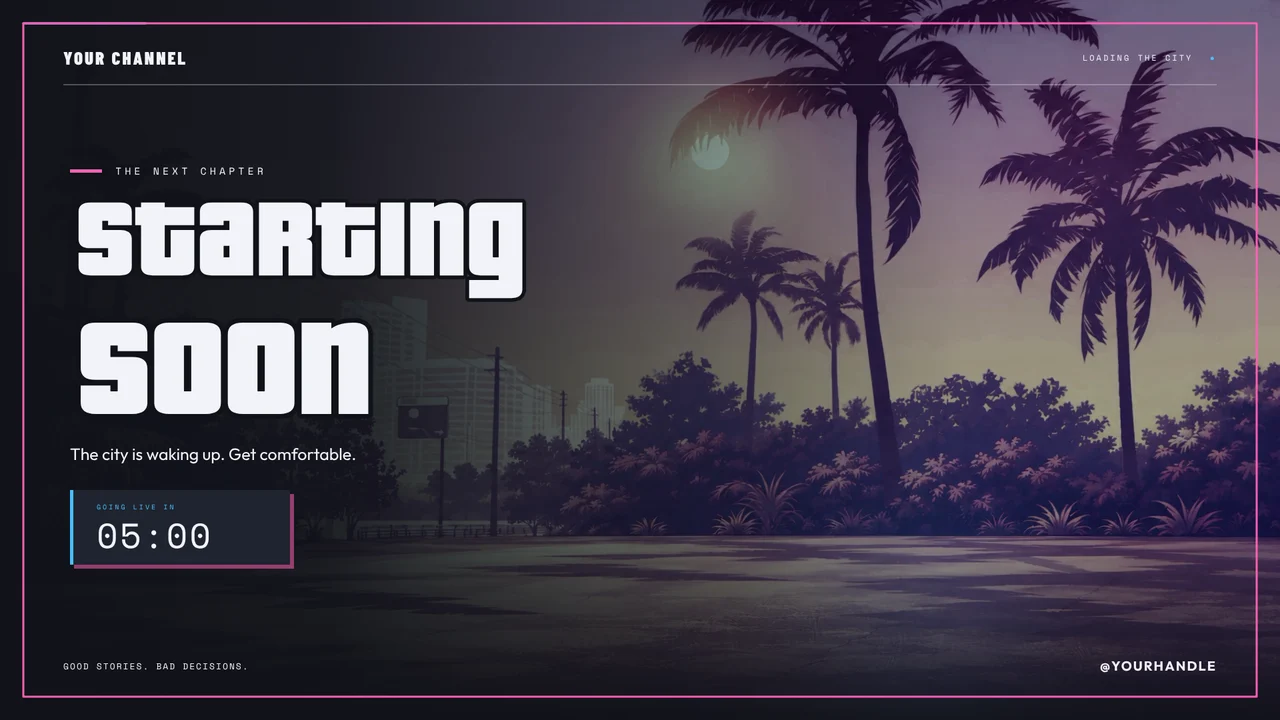
City Nights: Underground Garage
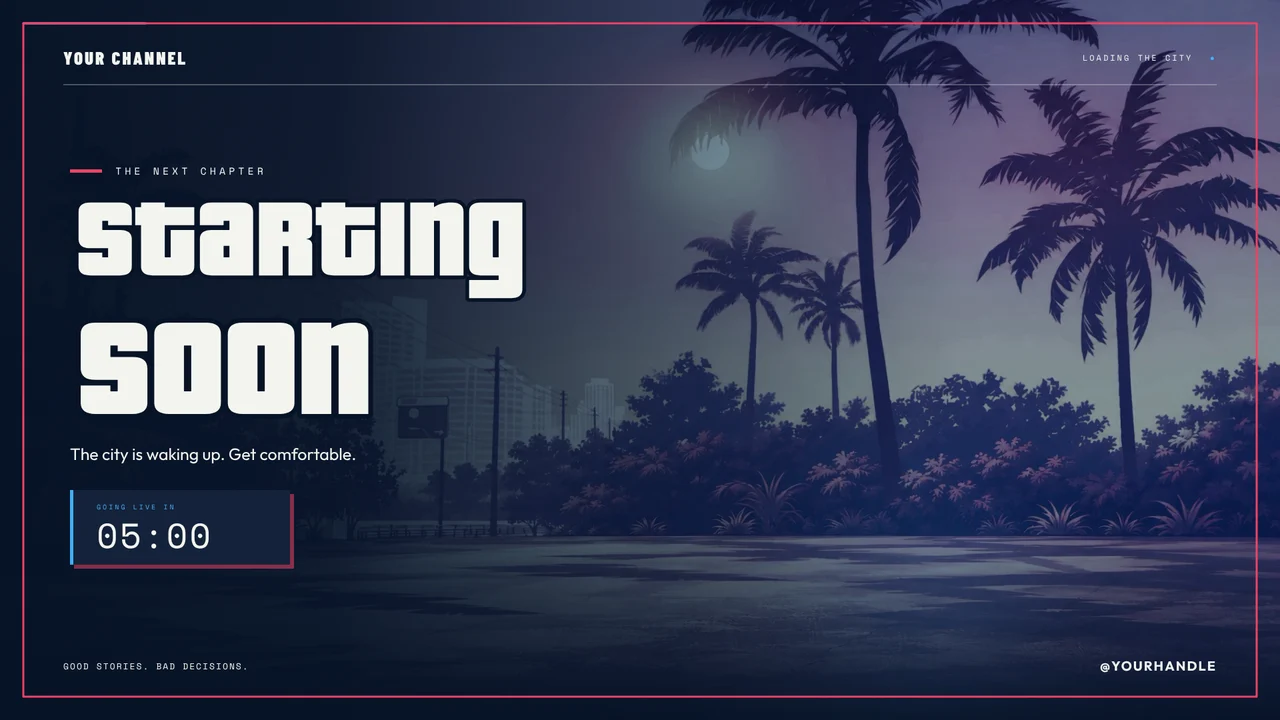
City Nights: Police Dispatch
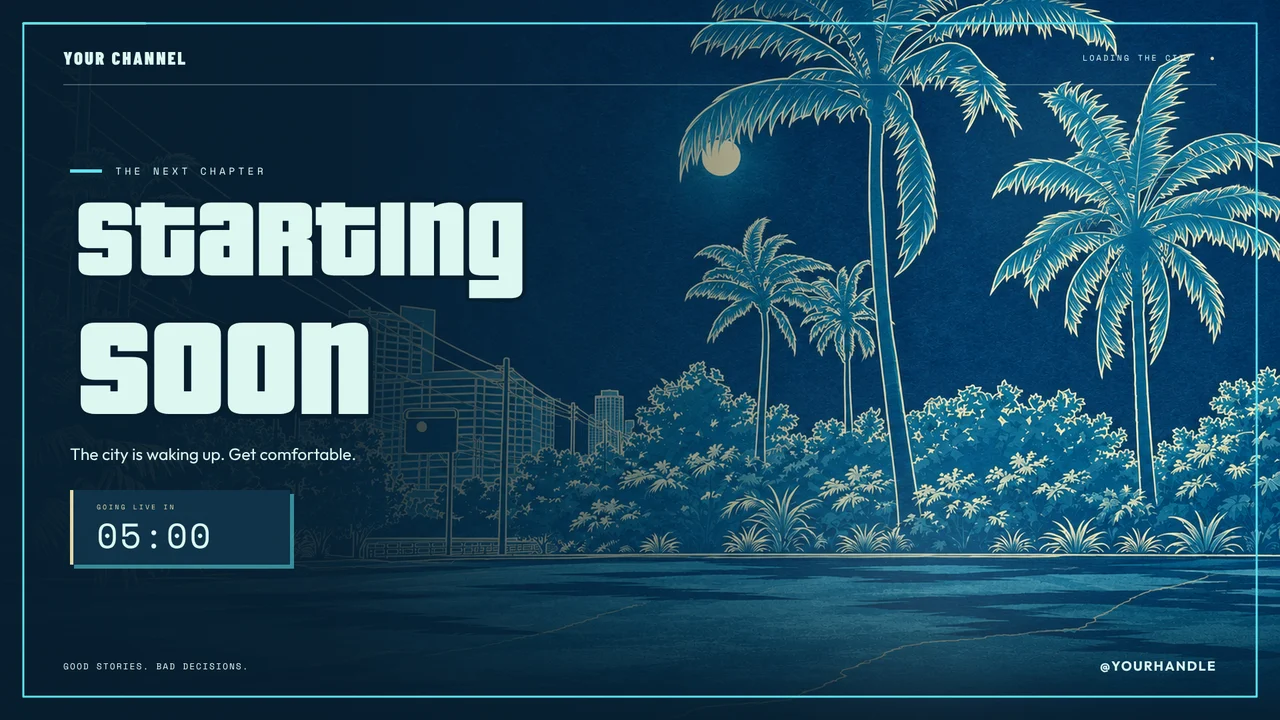
City Nights: Heist Planning Room
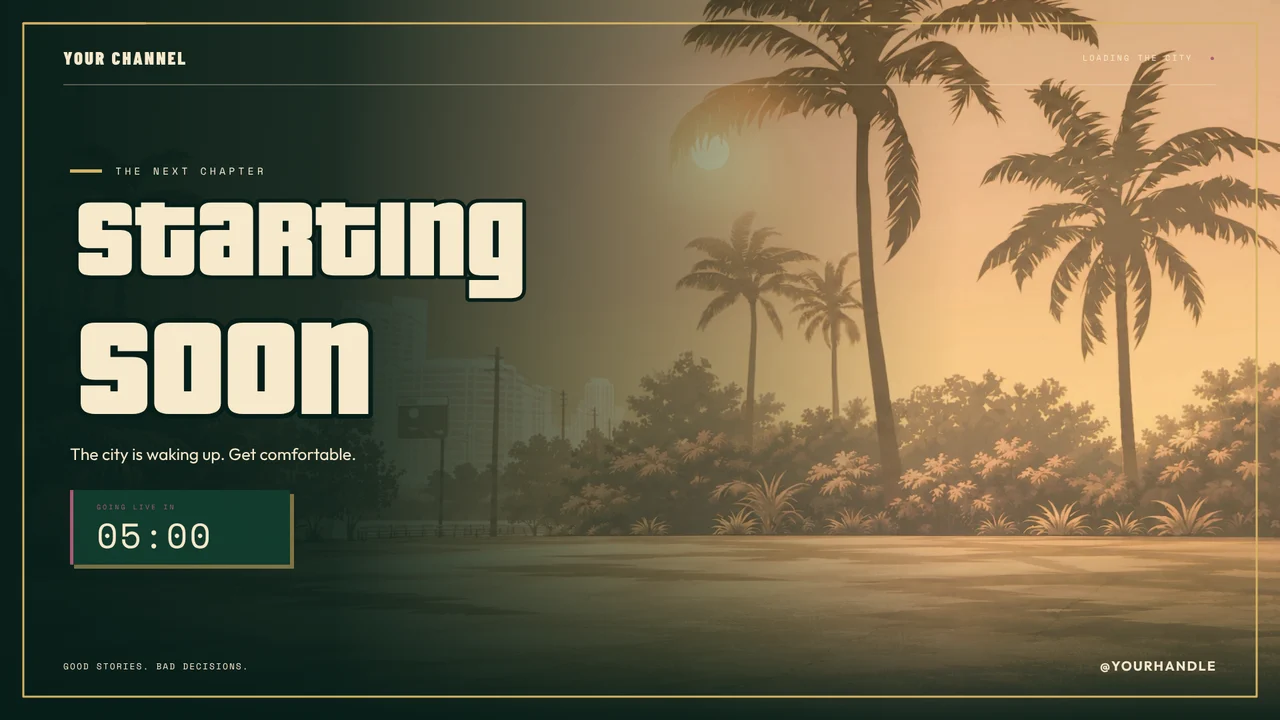
City Nights: Casino Penthouse
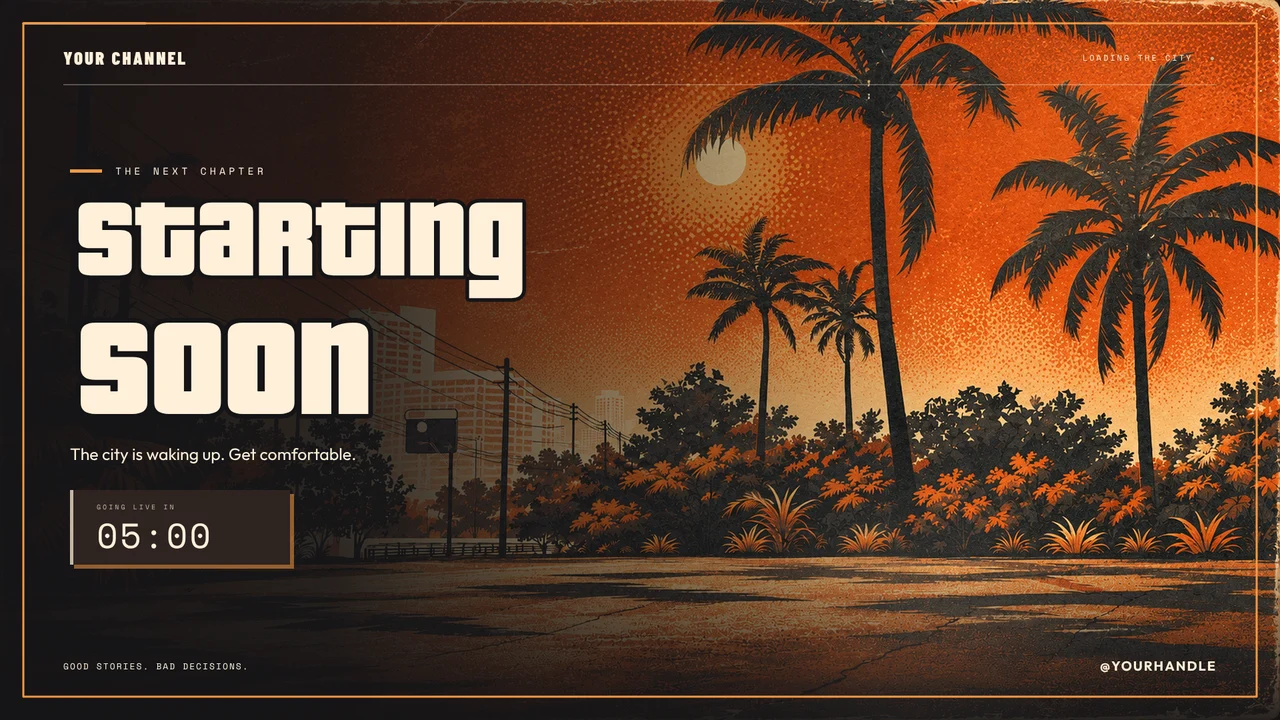
City Nights: Pirate Radio
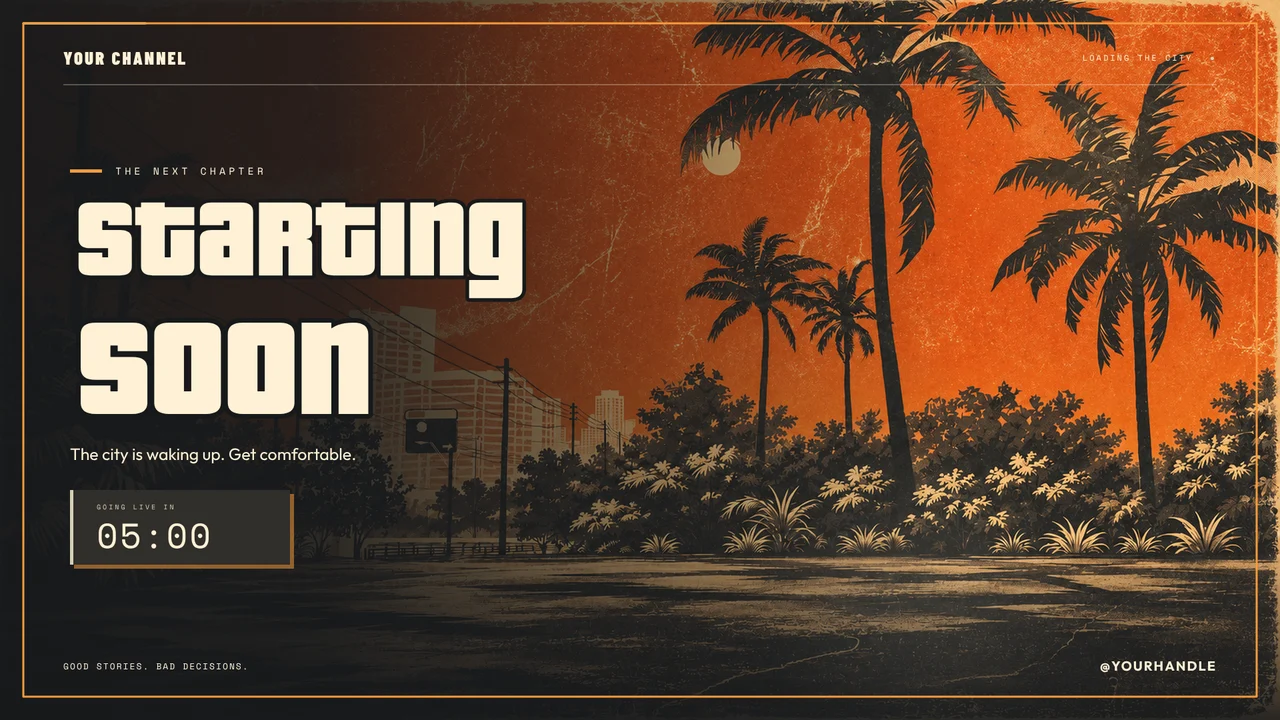
City Nights: Impound & Recovery
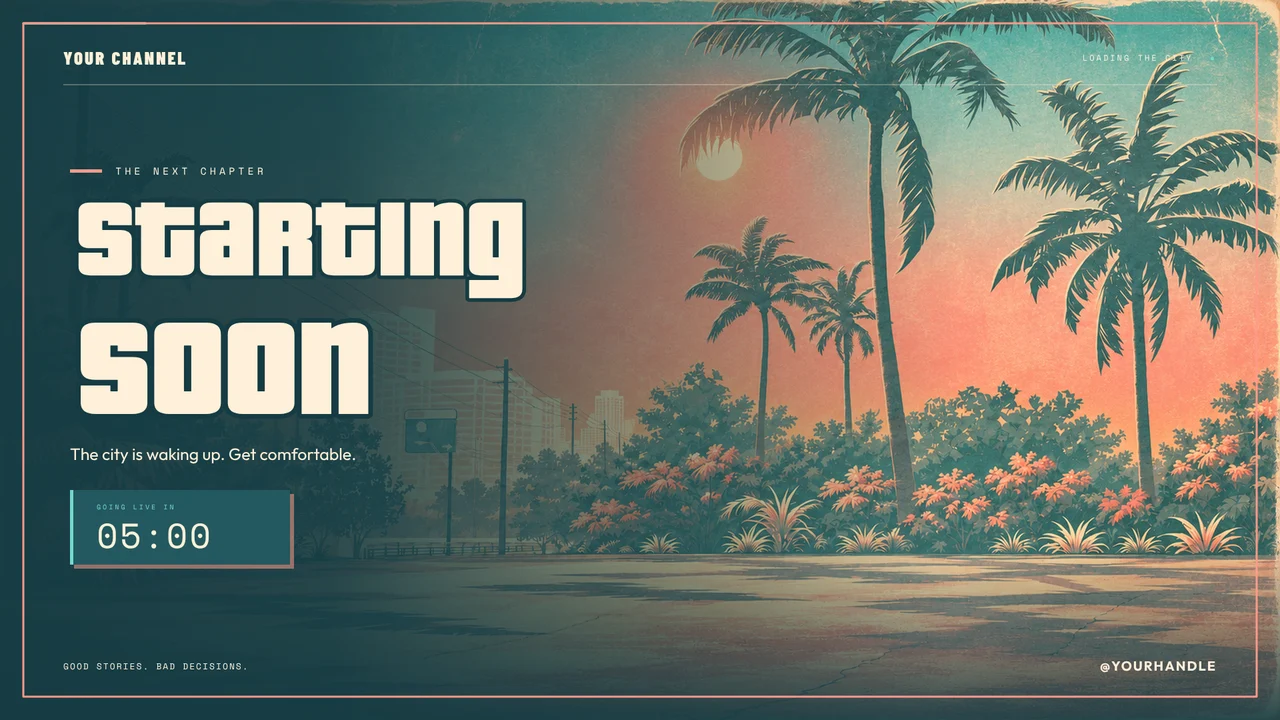
City Nights: Beachfront Tourist Trap
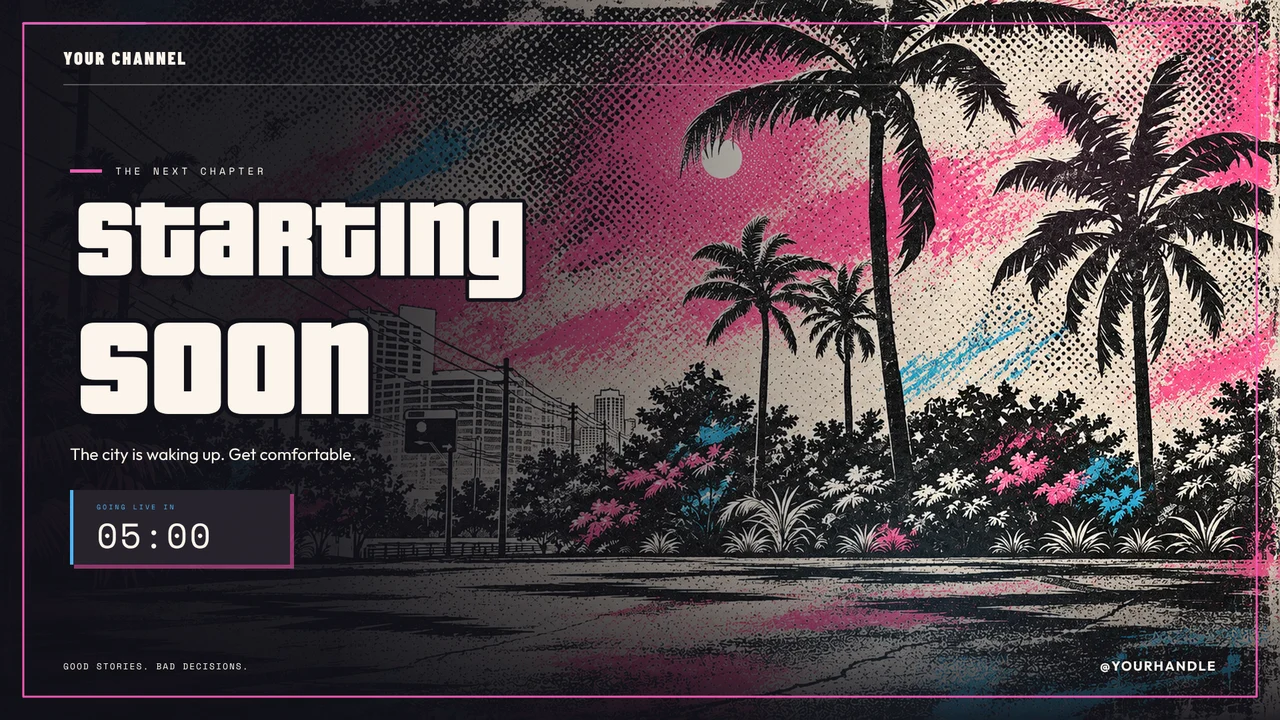
City Nights: Streetwear Bootleg
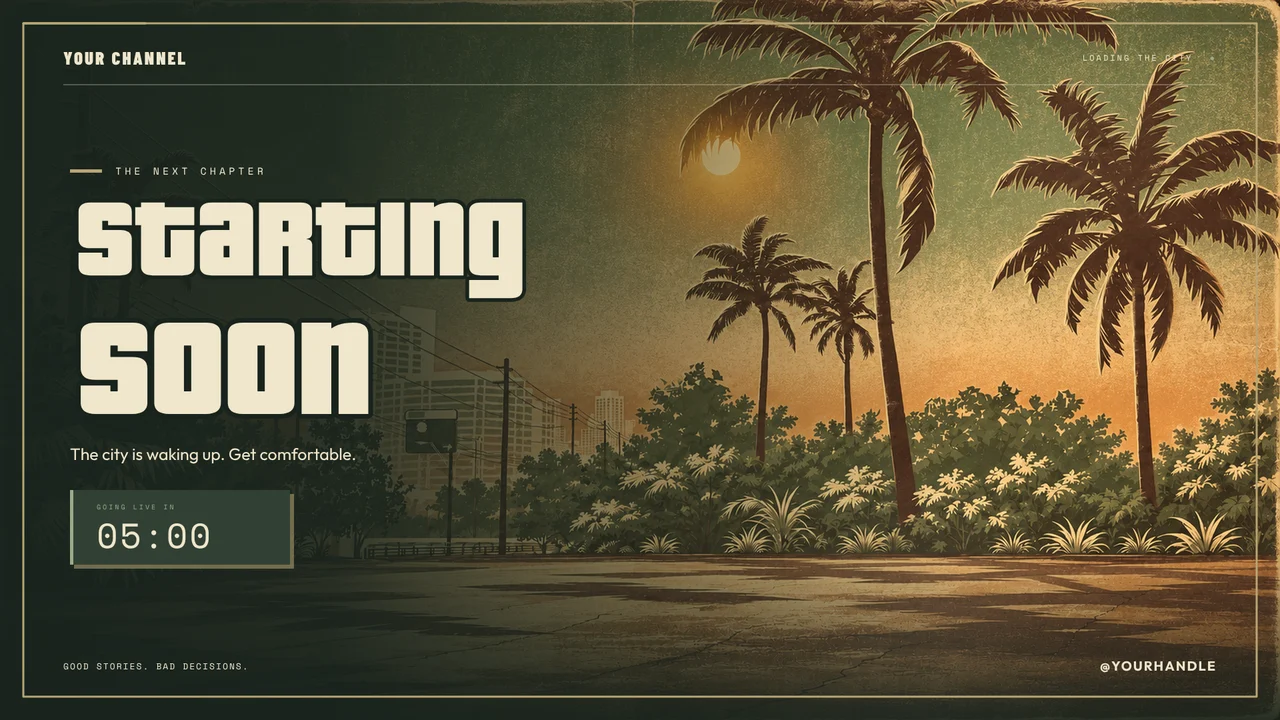
City Nights: Corrupt City Hall
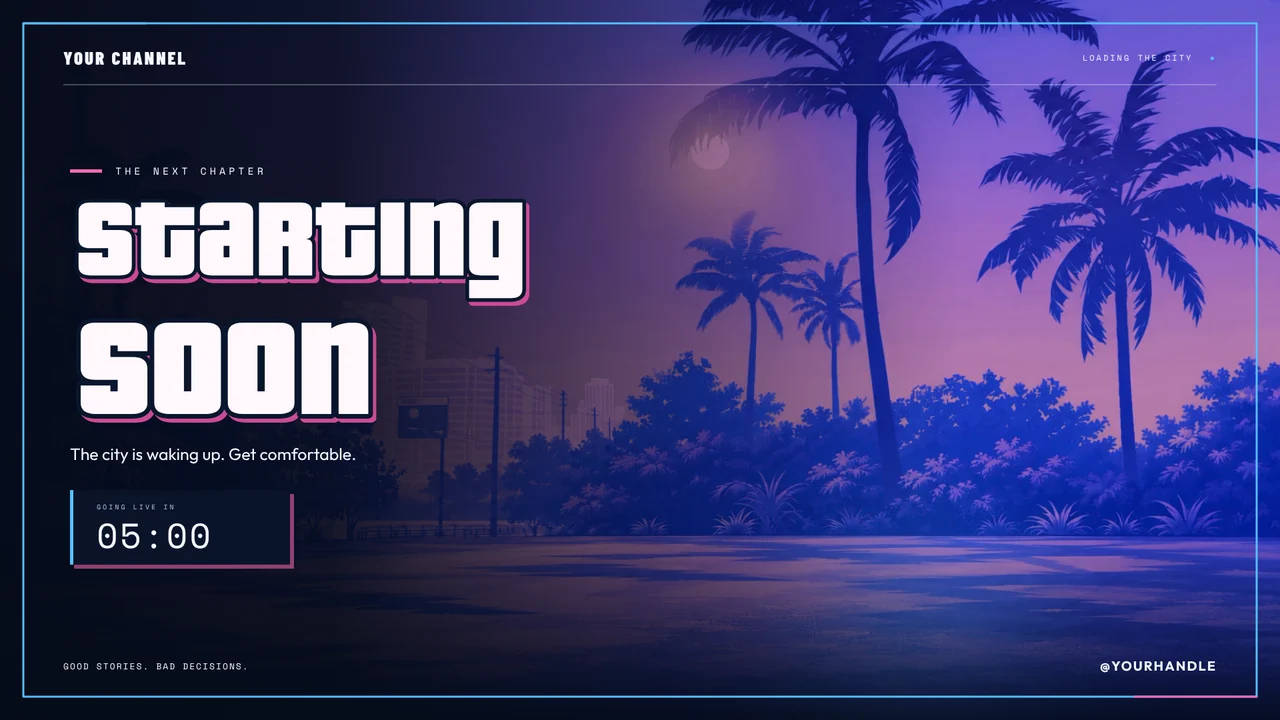
City Nights: Neon District
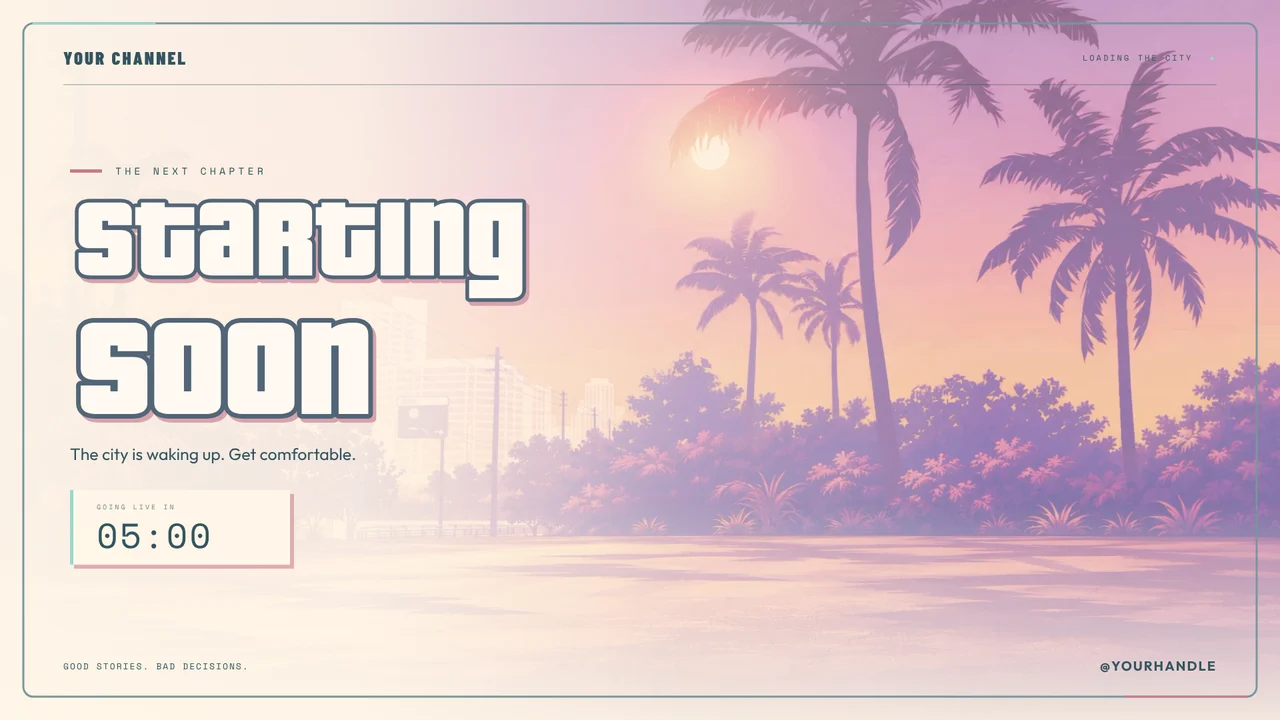
City Nights: Pastel Vice
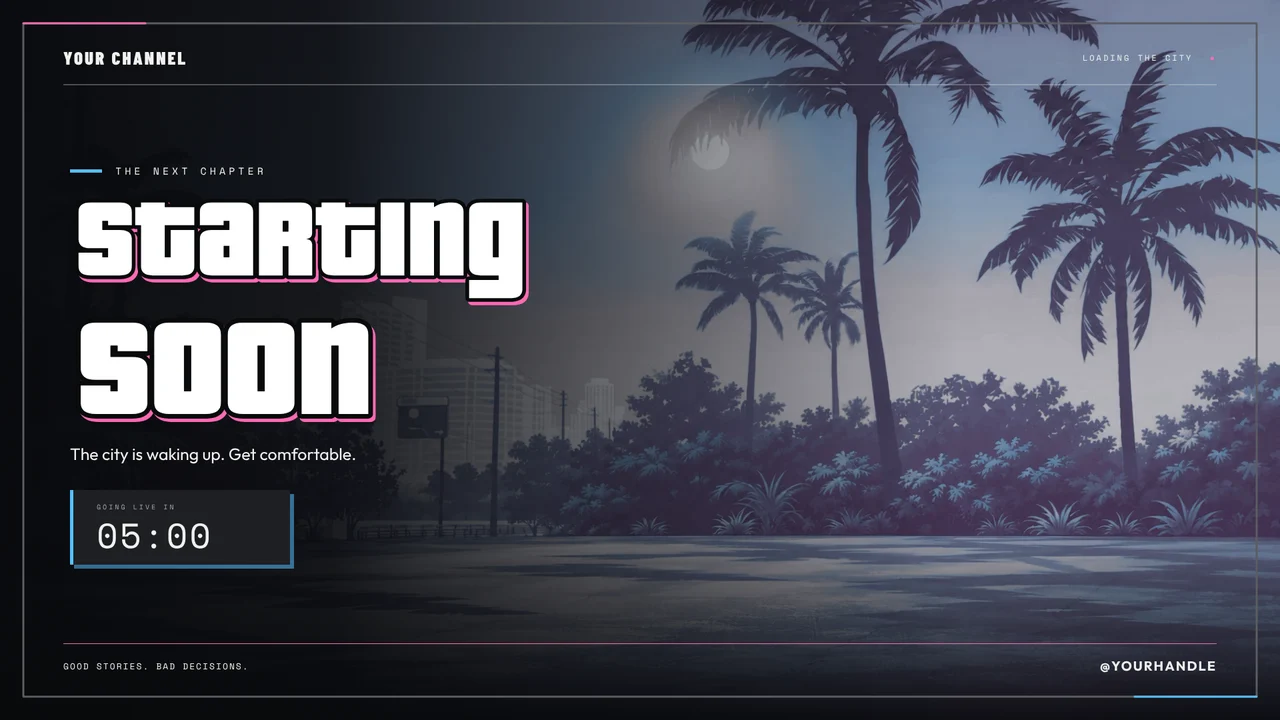
City Nights: After Hours
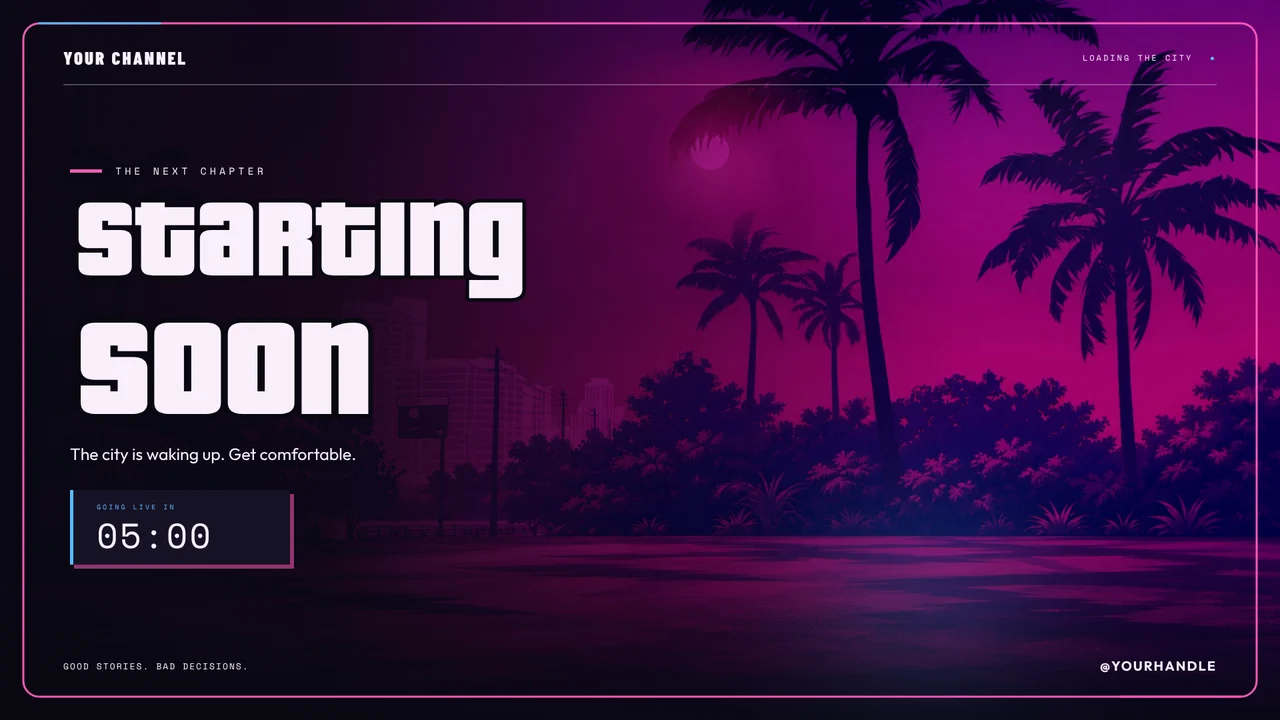
City Nights: Nightclub VIP
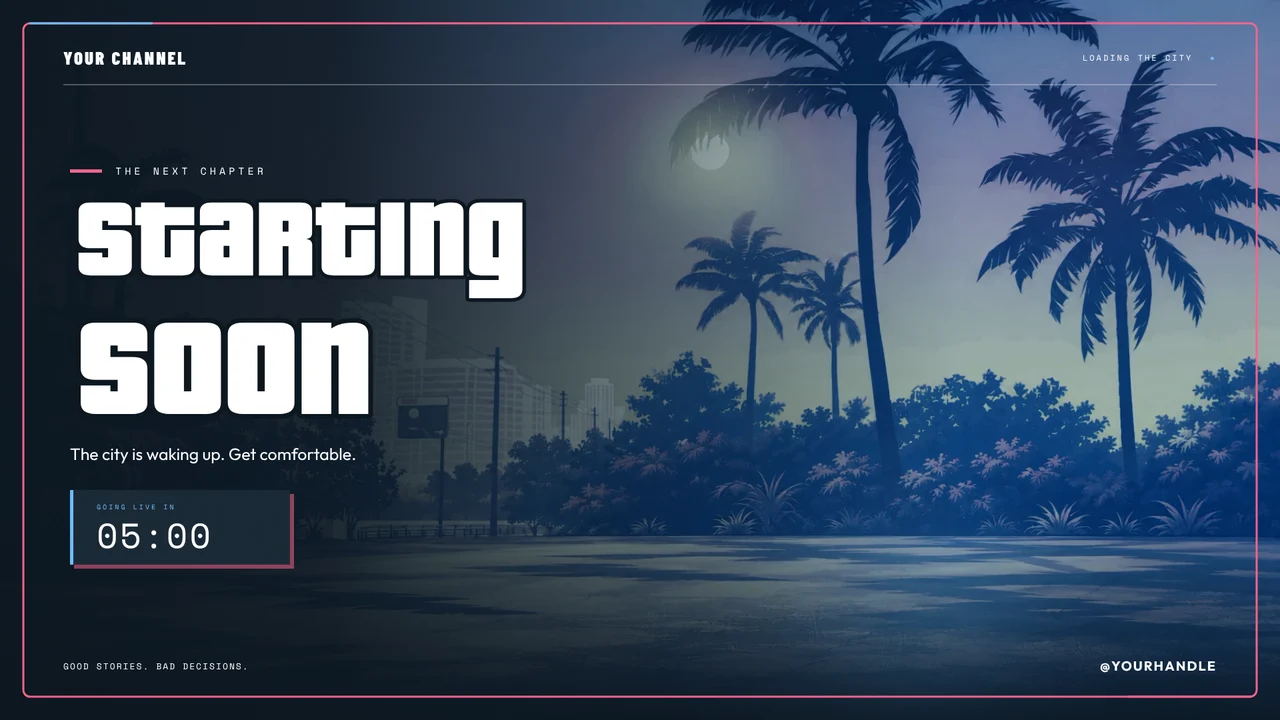
City Nights: Emergency Services
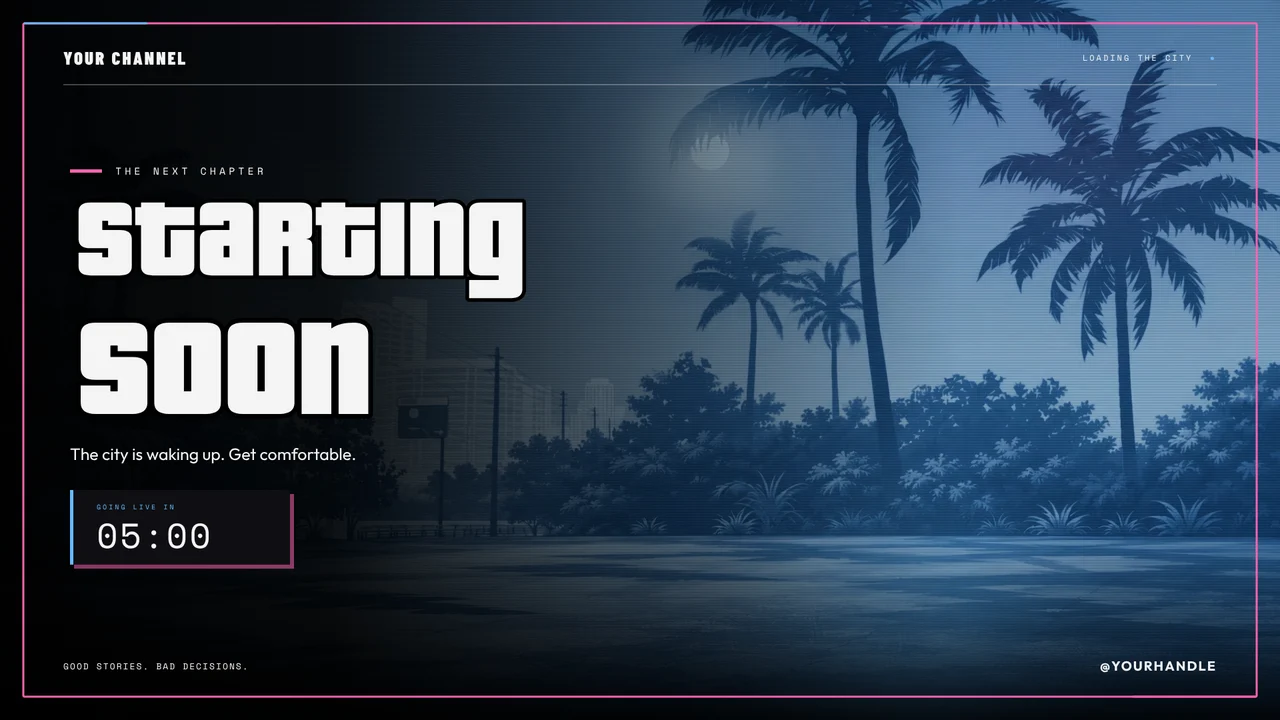
City Nights: Surveillance VHS
How to add a chat overlay in OBS
- Add a pack with a chat box to your account.
- Connect the platforms you stream on.
- Add your overlay link to OBS as a Browser Source.
- Move and size the chat box in the overlay editor.
One box for every chat
Chat boxes in our packs are styled to match their scenes and show messages from every platform you've connected, so multistreamers only need one.
Free or paid?
Every design we make is included with a paid StreamNeeds plan from $25 a month. You can also buy any design on its own and keep it forever, even on Free.
Works in OBS, Streamlabs and any app with a browser source
Chat overlay questions
Can it show Kick and Twitch chat together?
Yes. Connect both and their messages show in the same box, with each platform's icon.
Do emotes show?
Yes, emotes show as pictures in the chat box.
Can I change the font and size?
Yes, in the overlay editor.
Founding sellers · 100 of 100 spots left
Make overlays? Sell them here.
Open a free shop now and be one of our first 100 sellers: founding sellers keep 95% of every sale.