Overlay Marketplace
YouTube live stream overlays
Animated overlays for YouTube live streams: scenes, webcam frames, your live chat on screen and alerts for Super Chats, Super Stickers and new members. Add a pack and it's ready for OBS in minutes.
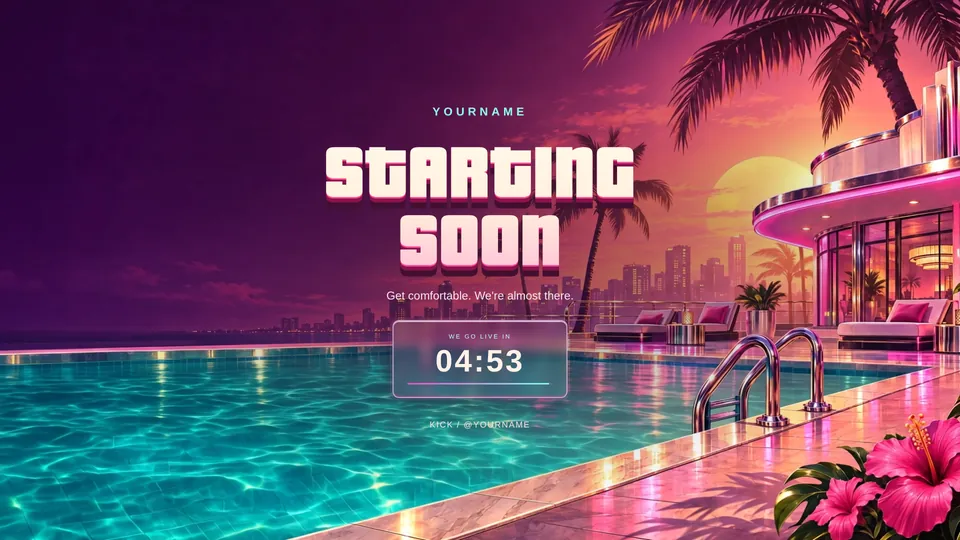
Poolside Vice overlay pack
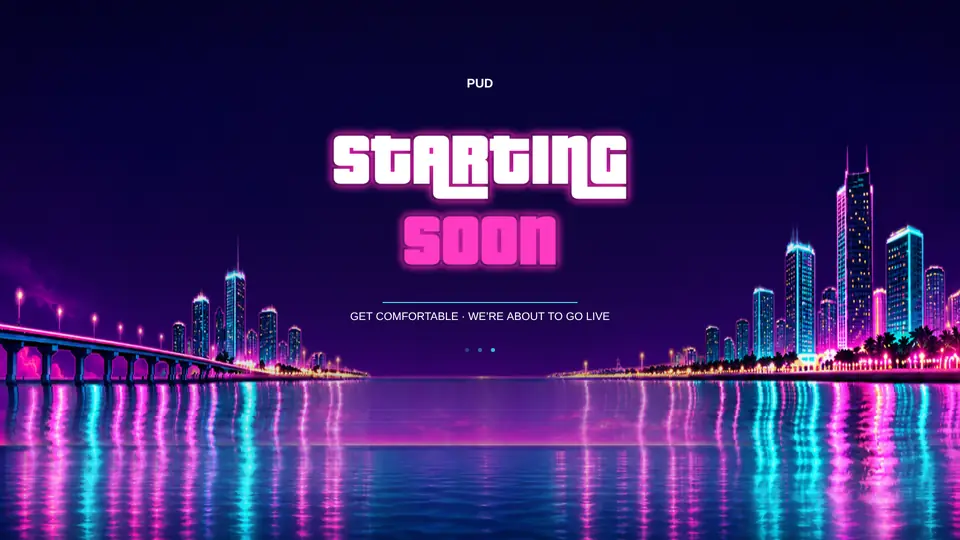
Vice Collection: Neon overlay pack

Vice Collection: Nightclub overlay pack
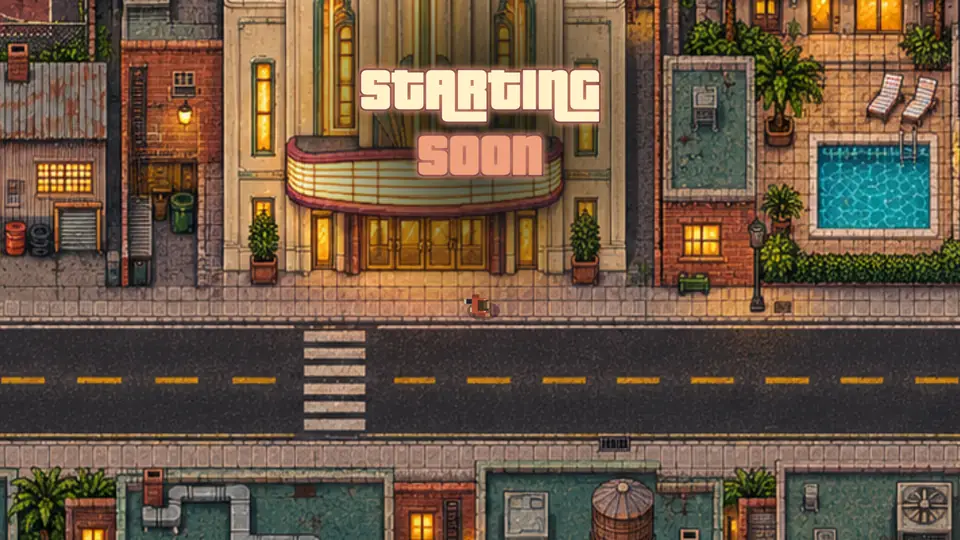
Classic City overlay pack
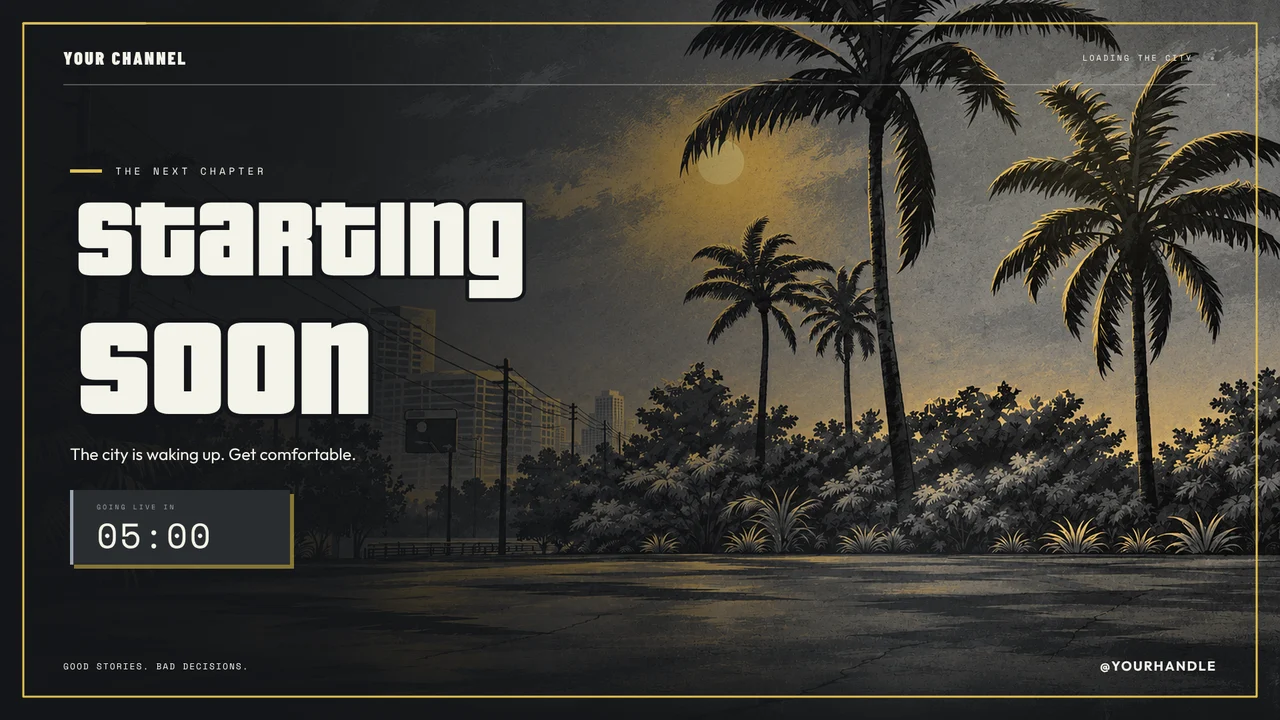
City Nights: Liberty City Concrete
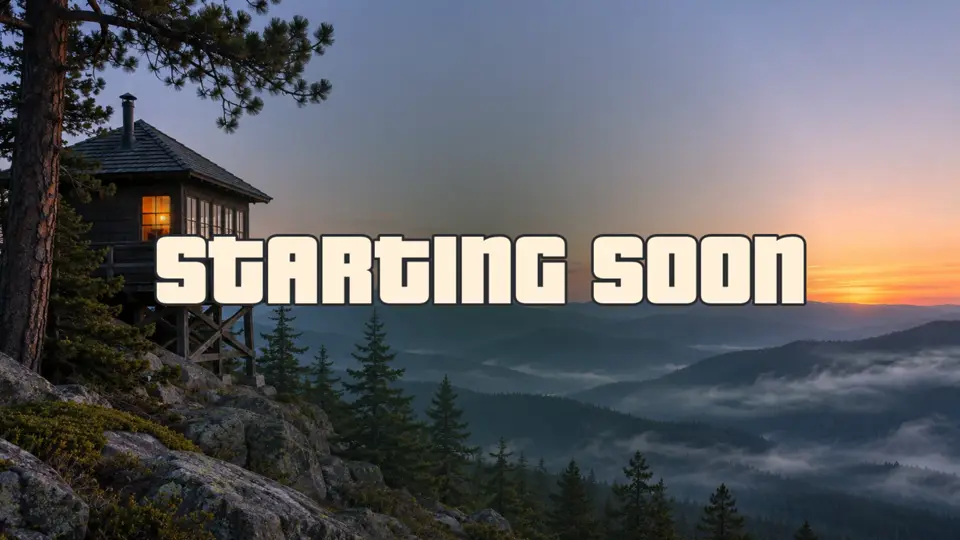
Mount Kalaga overlay pack
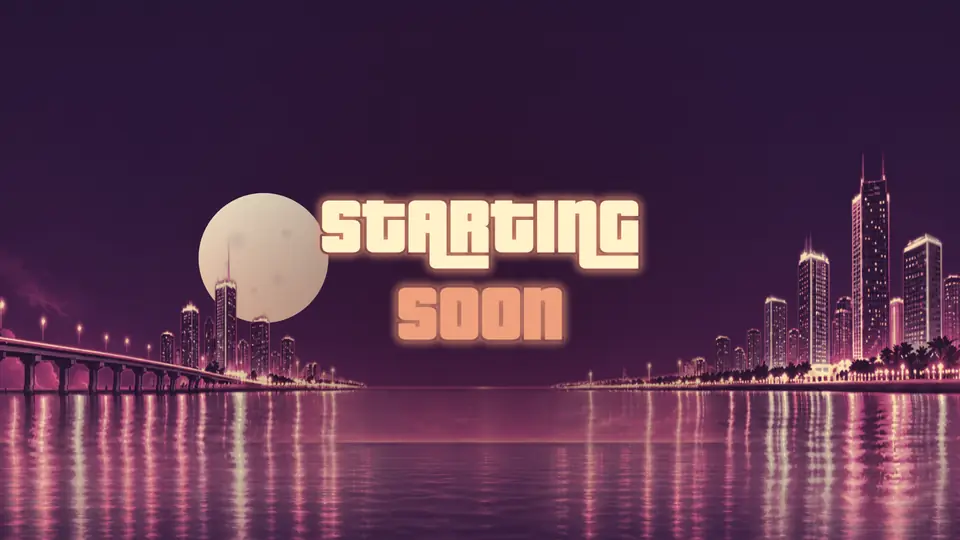
Vice Collection: Sunset overlay pack
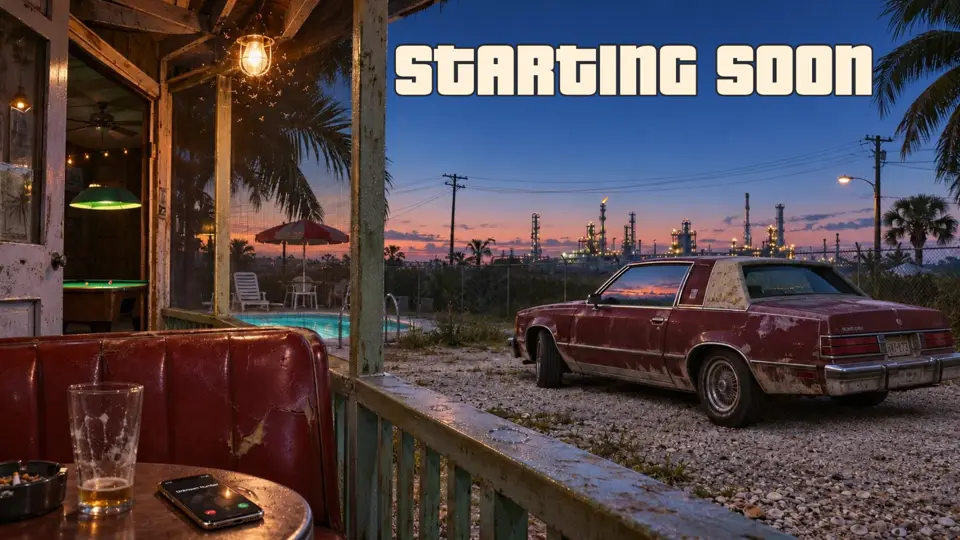
Ambrosia overlay pack
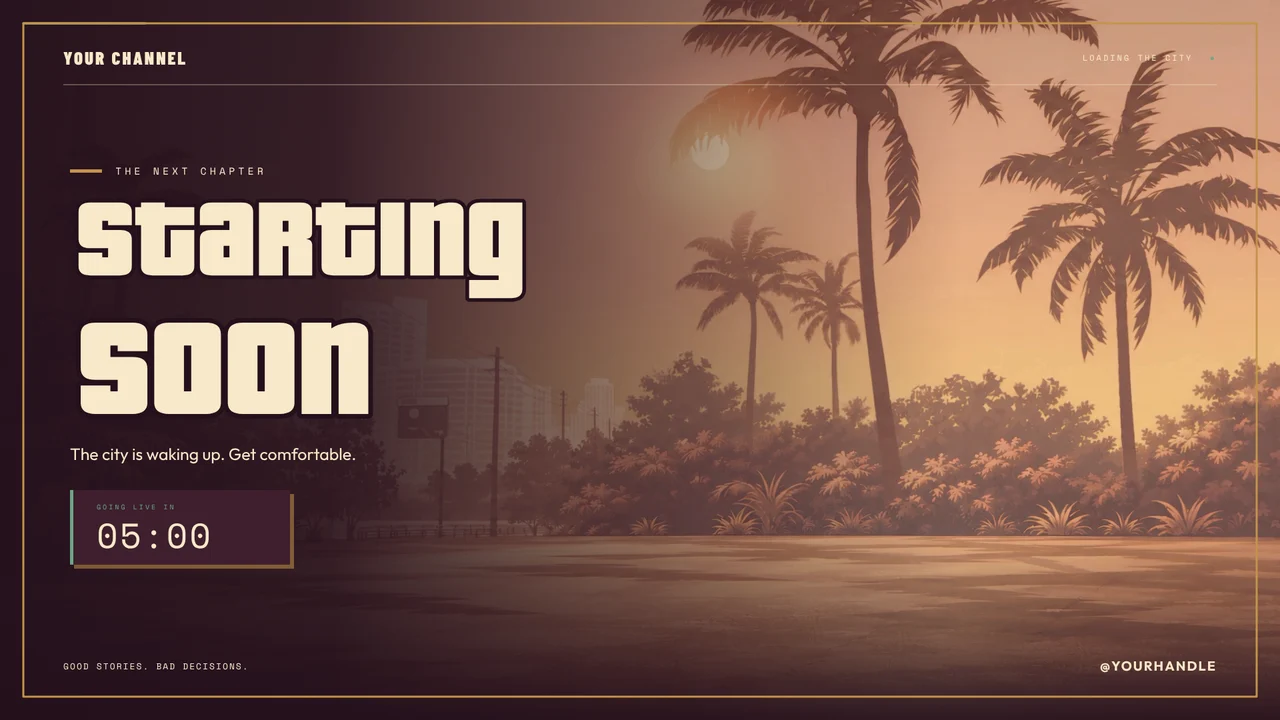
City Nights: Lowrider Social Club
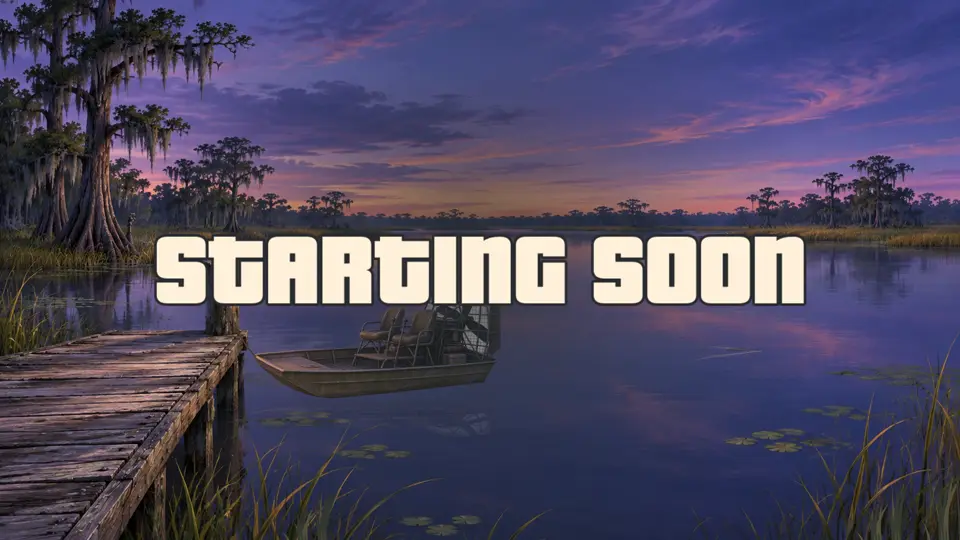
Grassrivers overlay pack
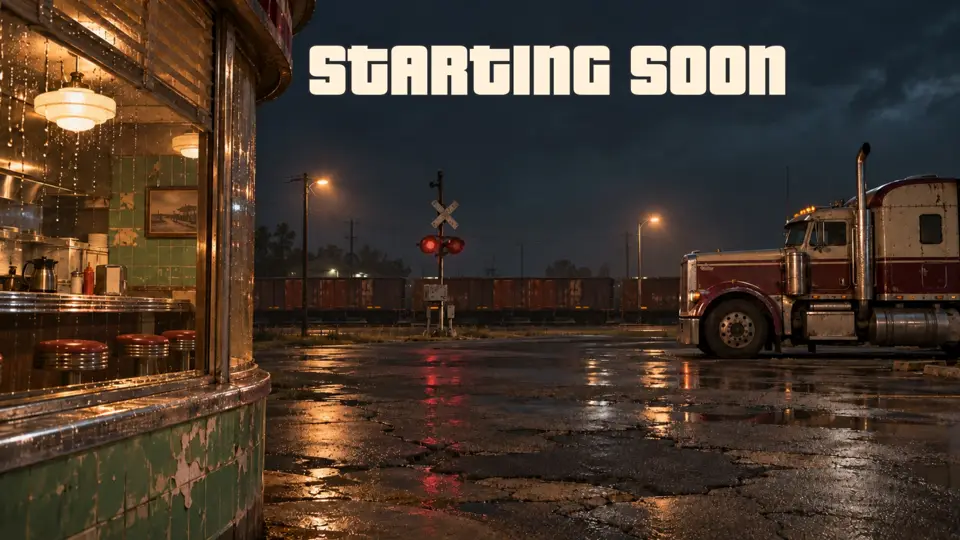
Port Gellhorn overlay pack
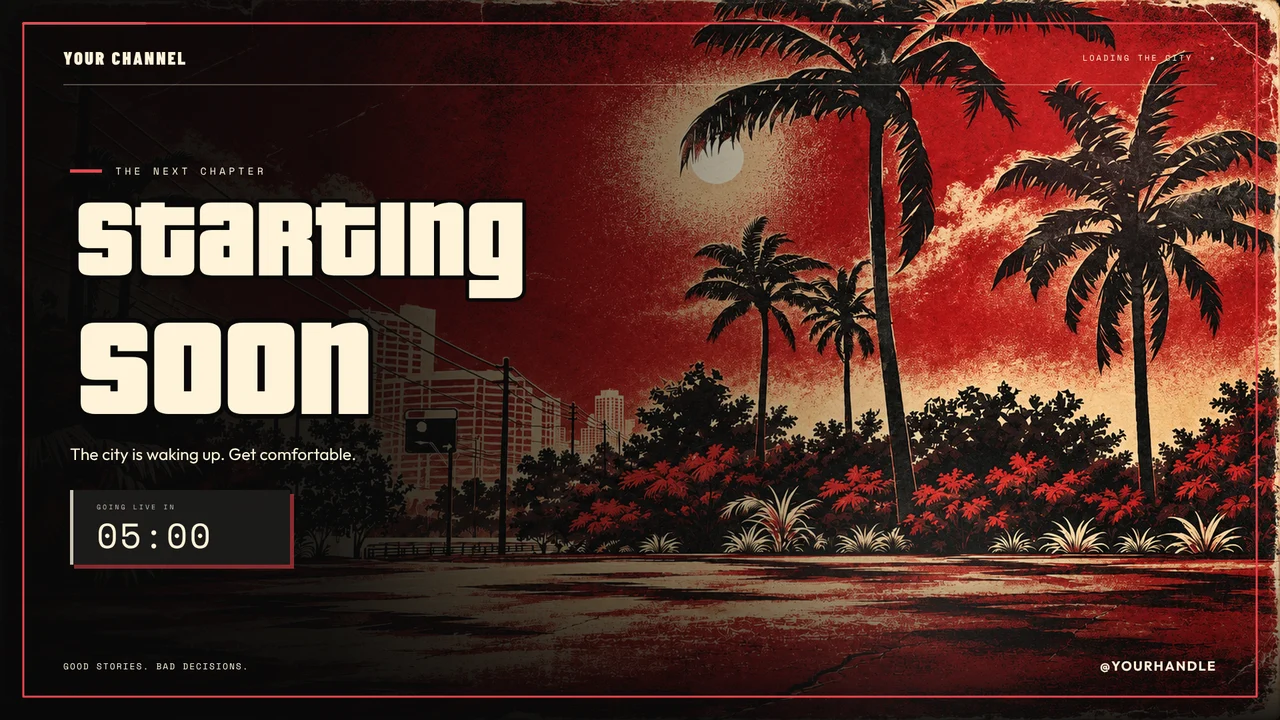
City Nights: Underground Fight Night
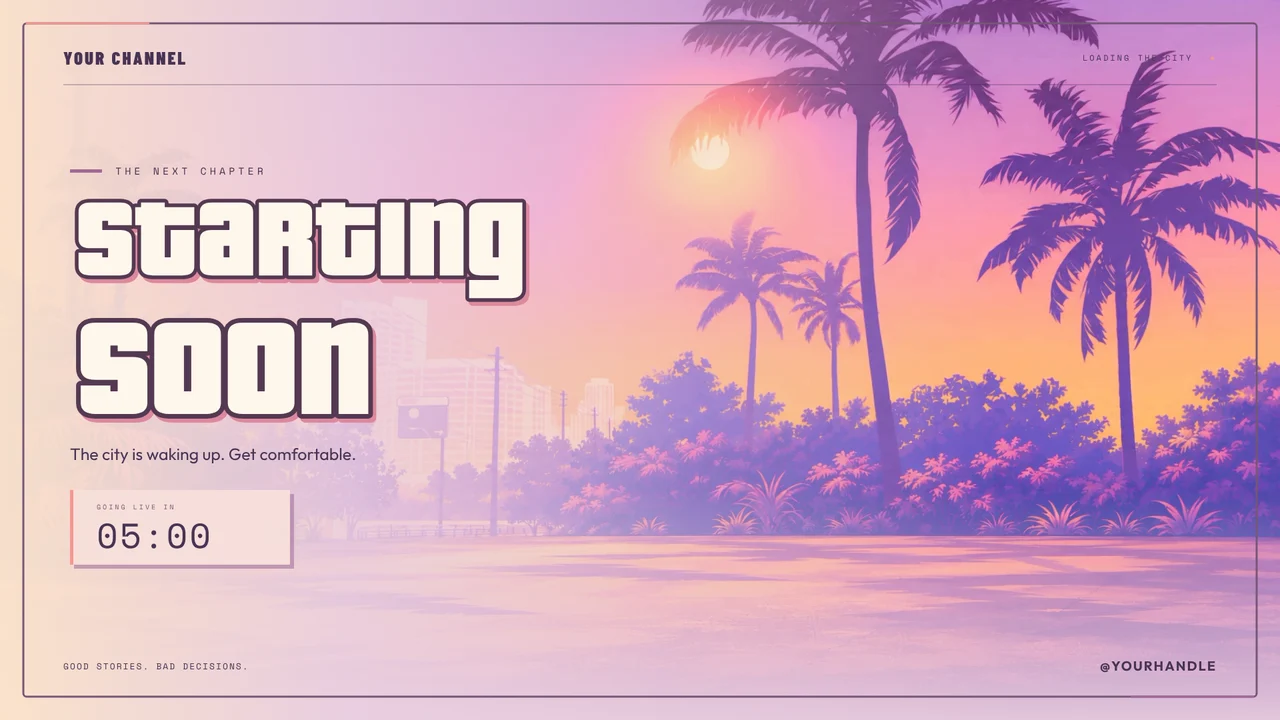
City Nights: GTA 6 Illustration Style
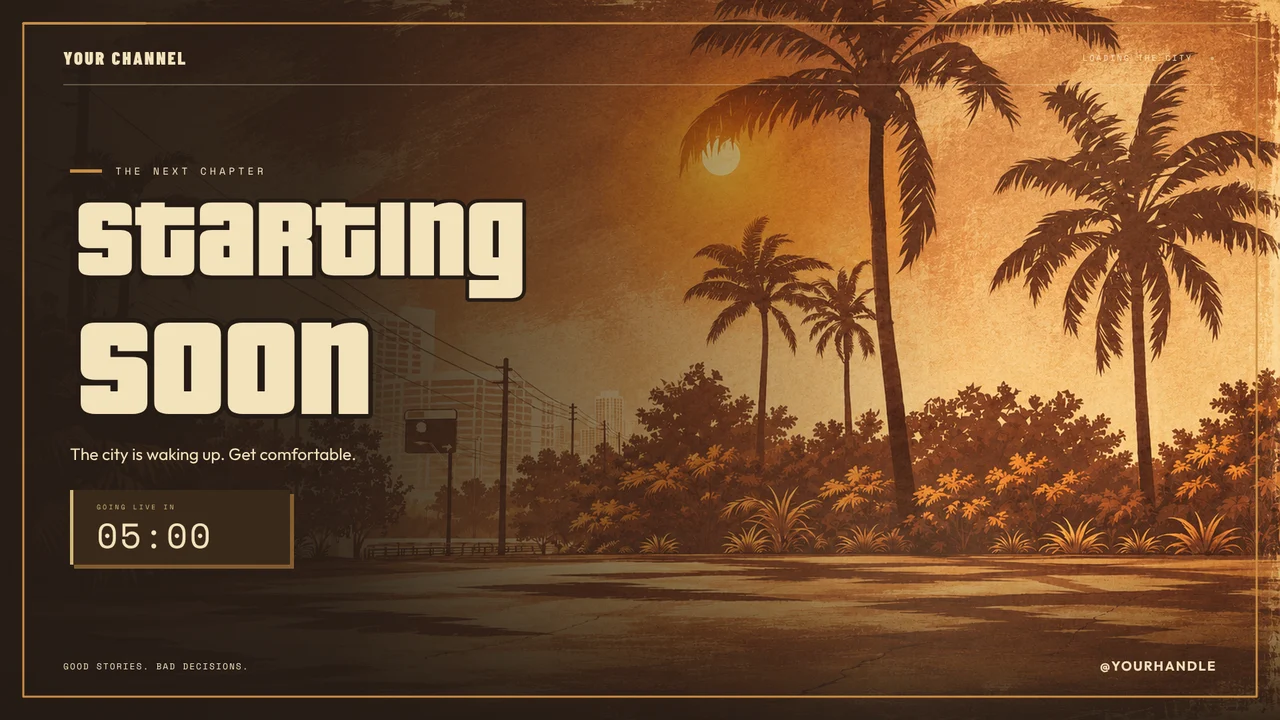
City Nights: Blaine County After Dark
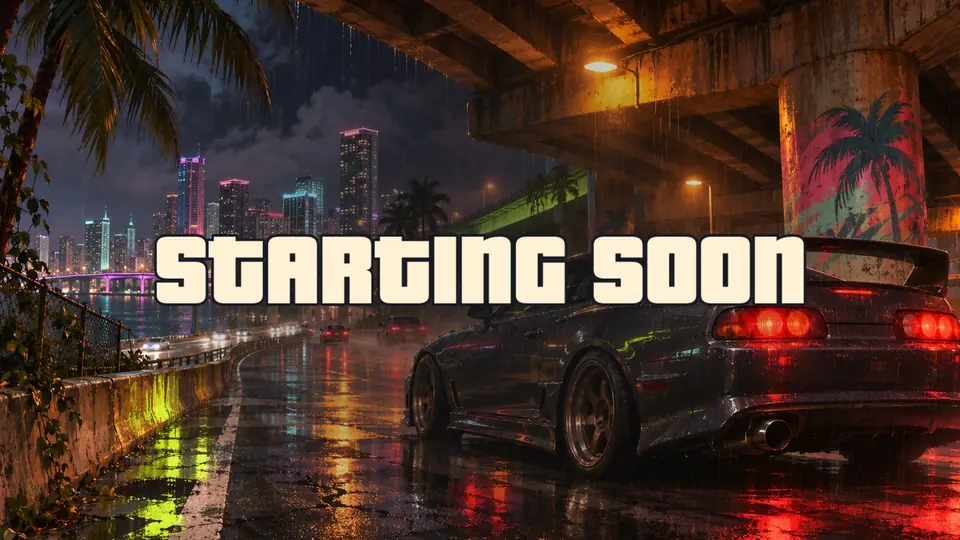
Vice Collection: Street Racing overlay pack
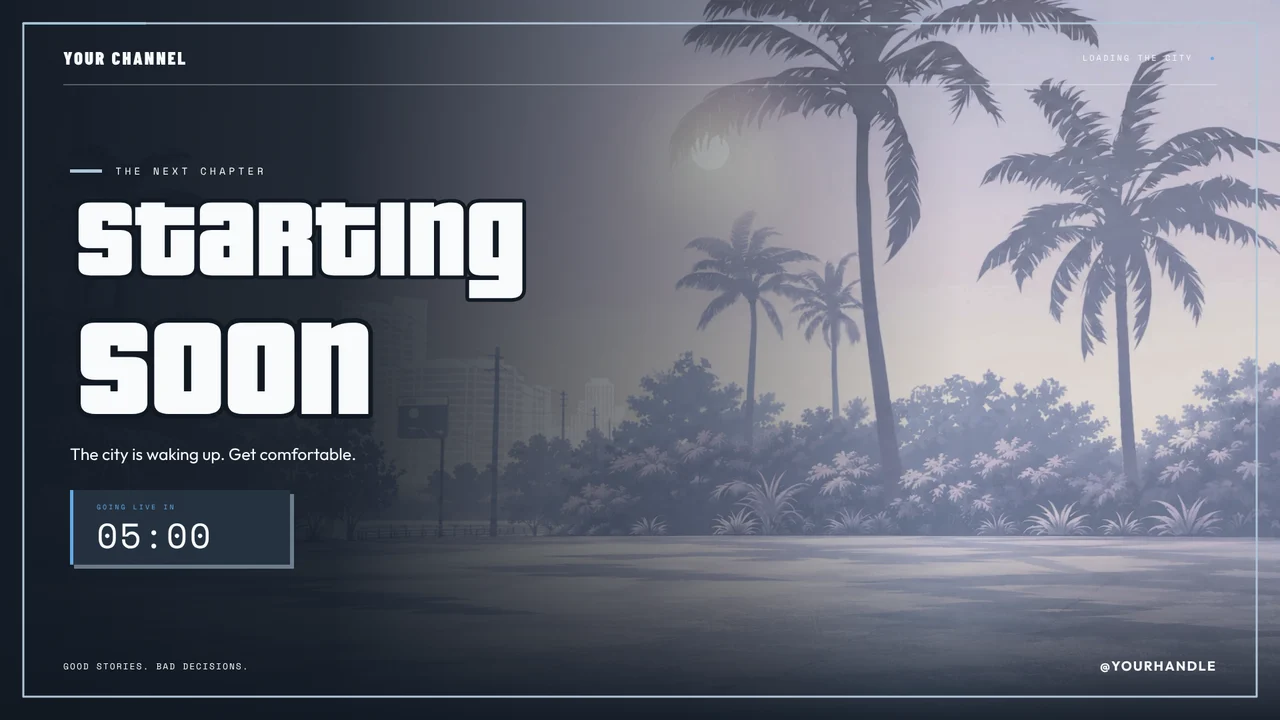
City Nights: Luxury Dealership
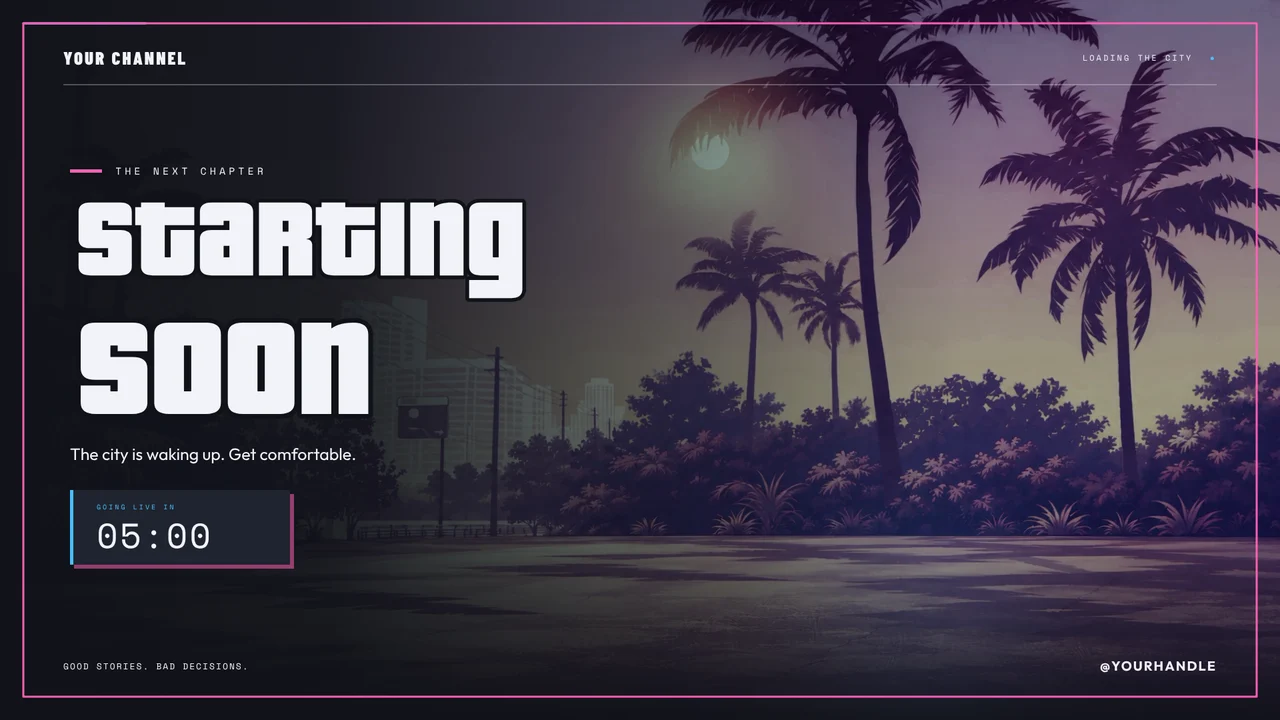
City Nights: Underground Garage
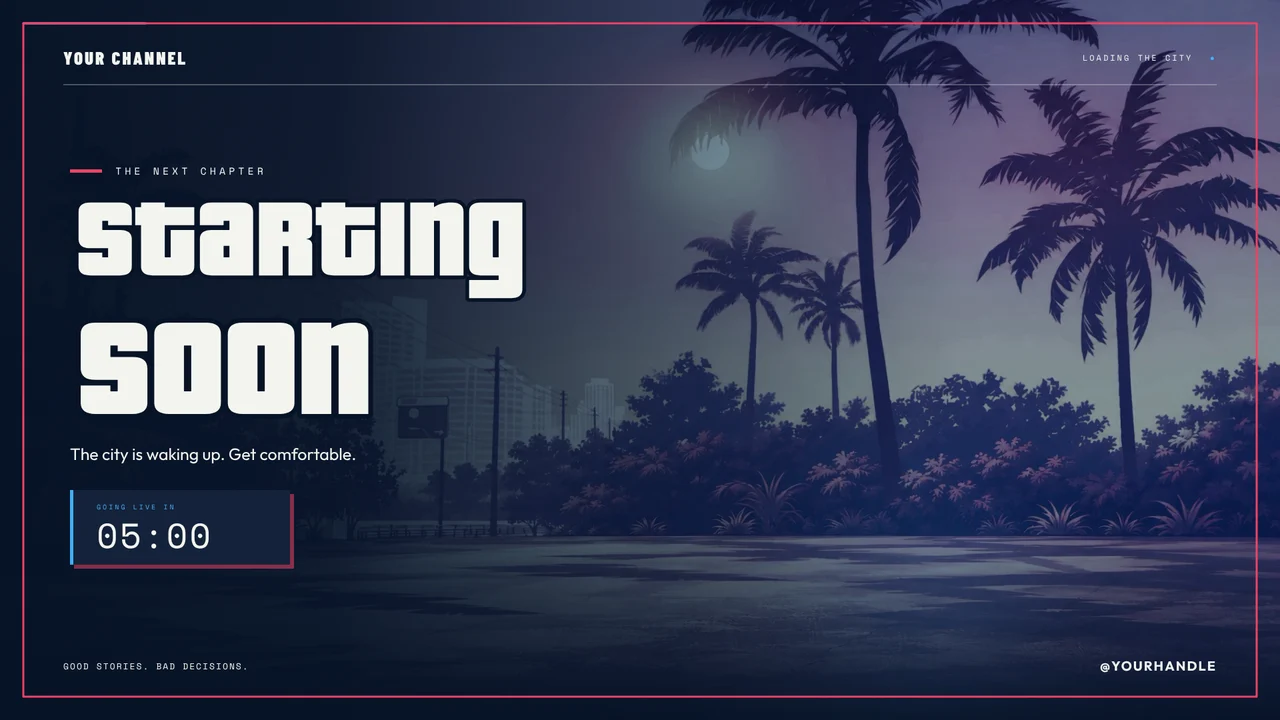
City Nights: Police Dispatch
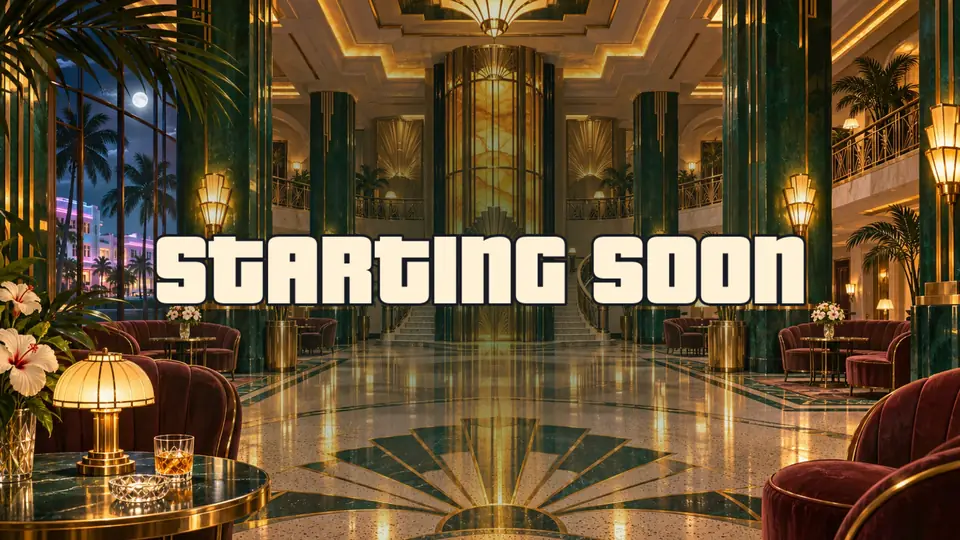
Vice Collection: Art Deco overlay pack
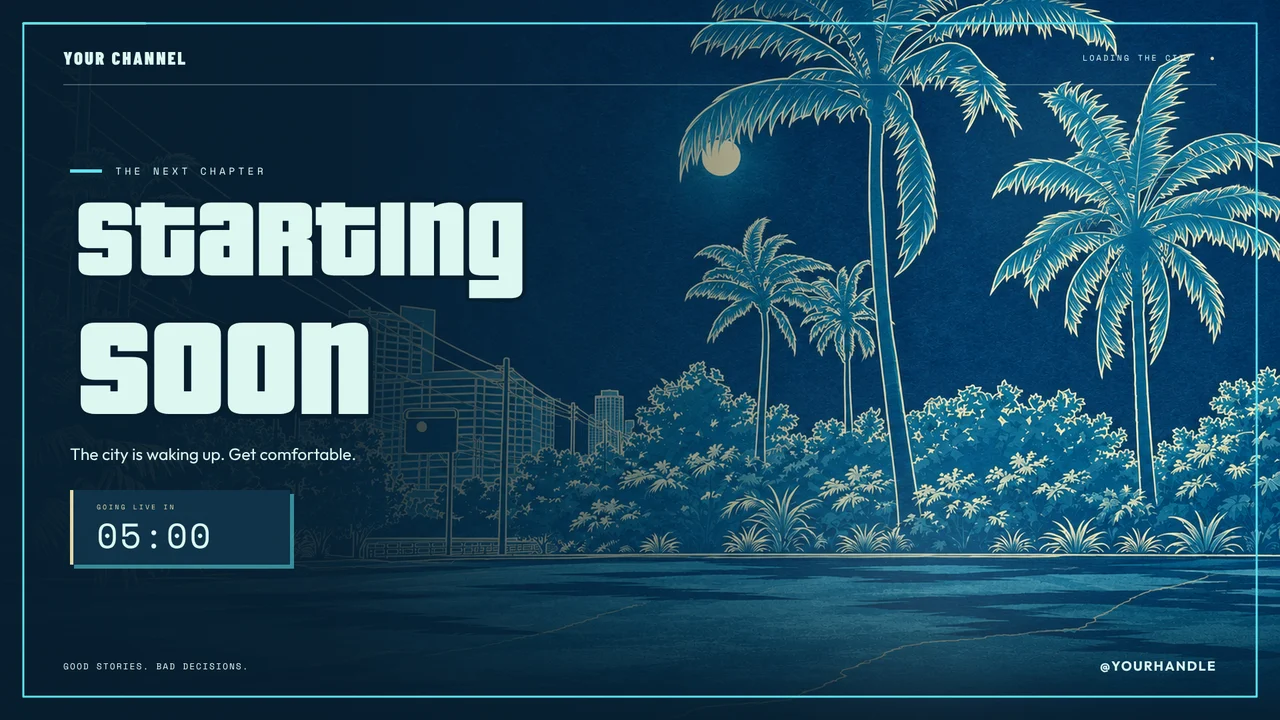
City Nights: Heist Planning Room
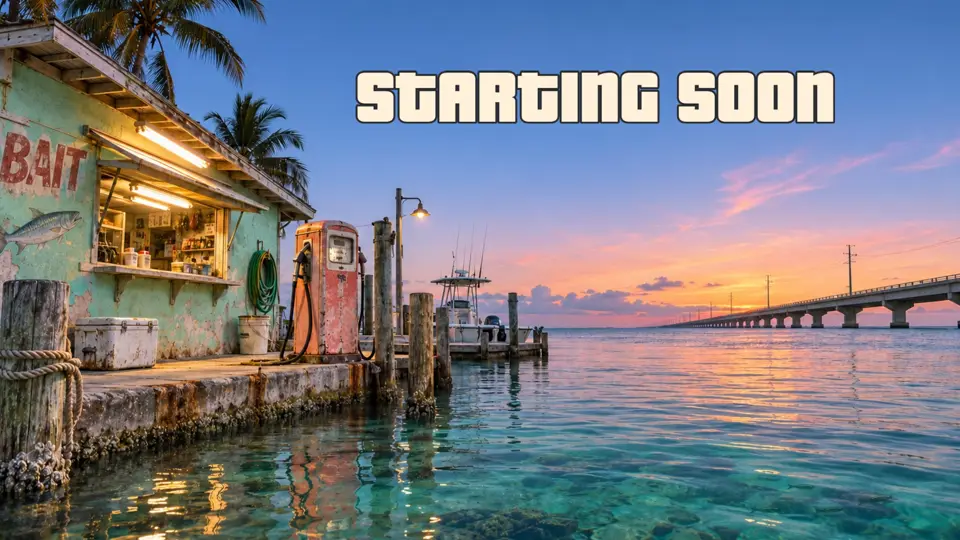
Leonida Keys overlay pack
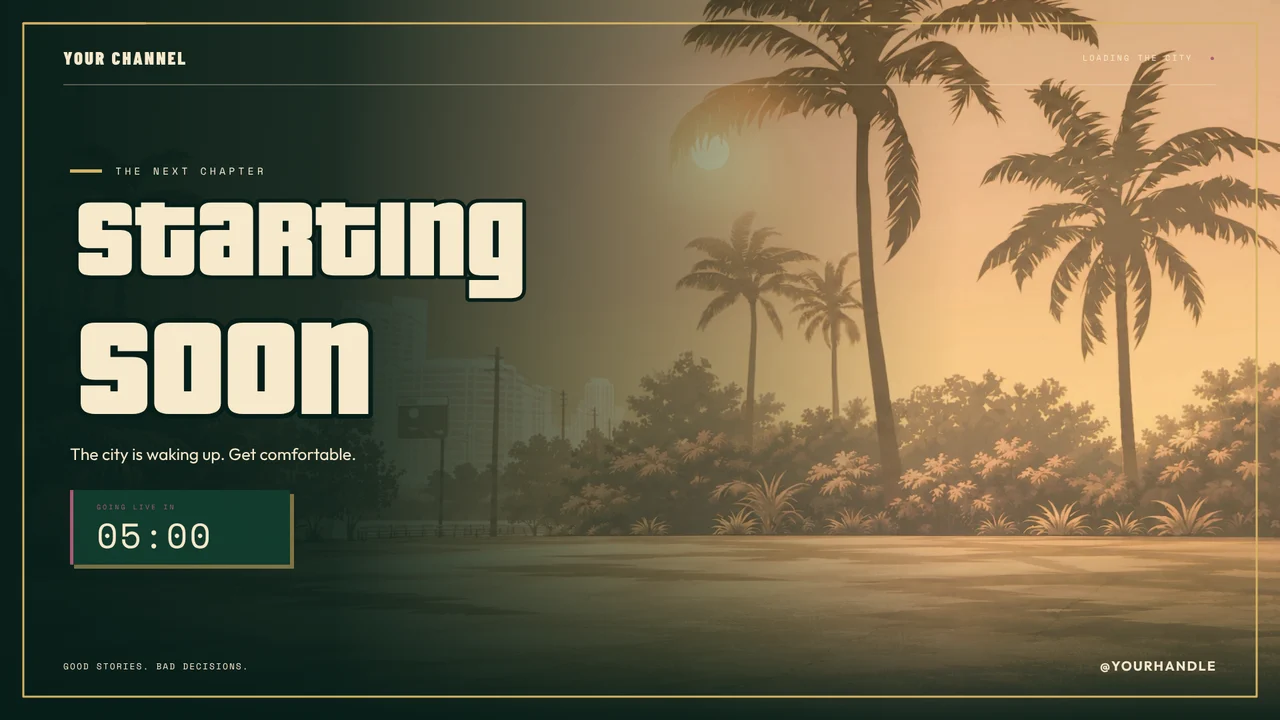
City Nights: Casino Penthouse
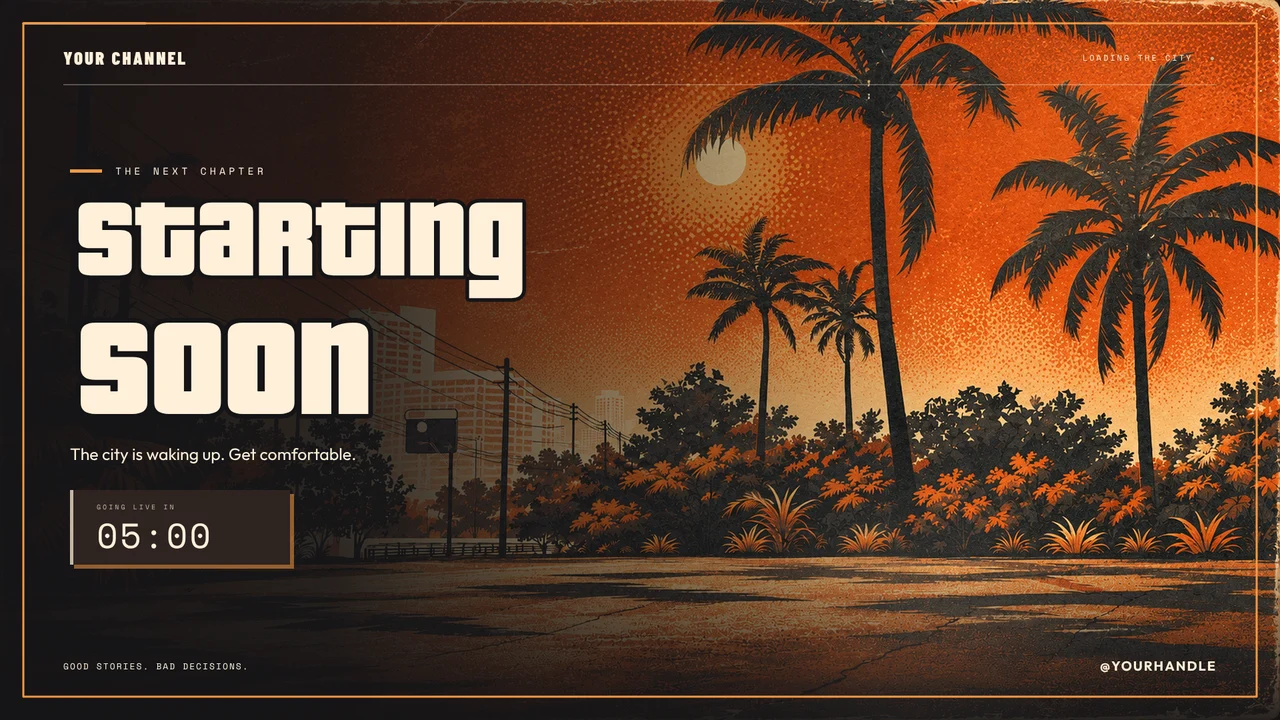
City Nights: Pirate Radio
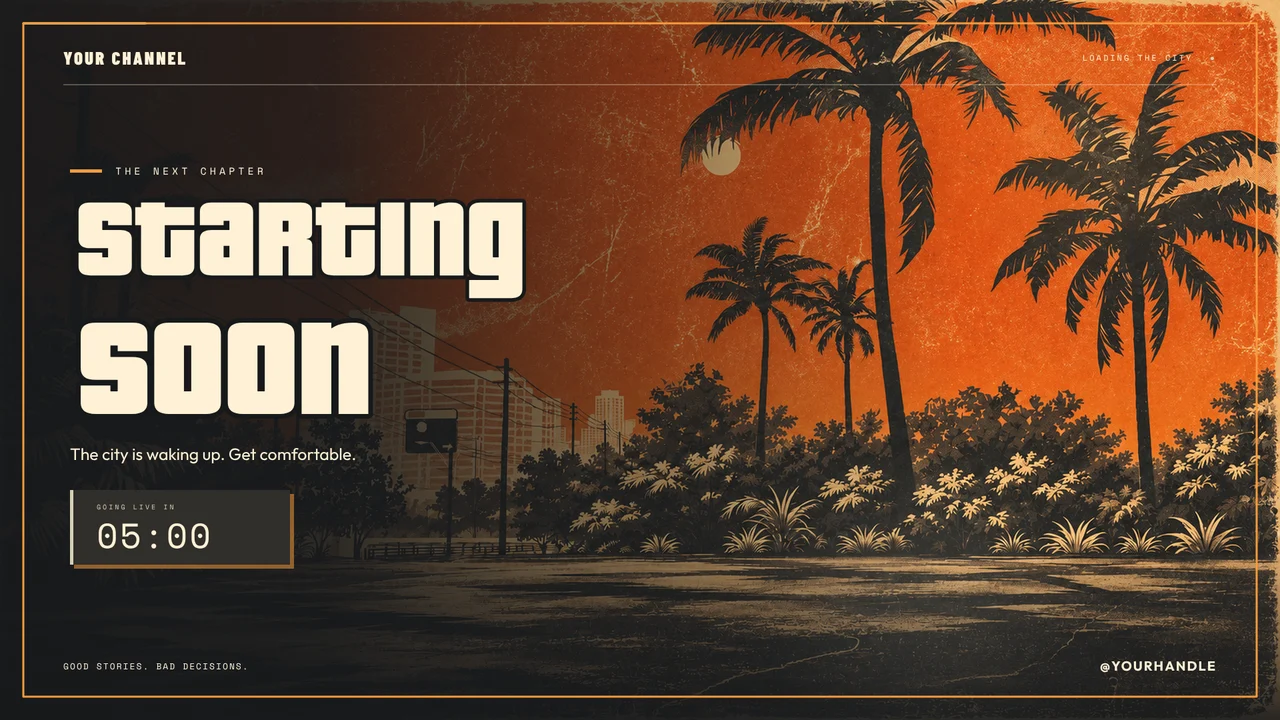
City Nights: Impound & Recovery
How to add an overlay to a YouTube live stream
- Pick a pack and press Add to my account, or buy it.
- Connect your YouTube channel in StreamNeeds.
- Add your overlay link to OBS as a Browser Source at 1920 × 1080.
- Go live on YouTube from OBS, and Super Chats and members play your alerts.
What's in a YouTube overlay pack
Starting Soon, Be Right Back and Ending screens, gameplay layouts, a webcam frame, an on-screen chat box and alerts. Every pack lists what's inside on its page, with a live preview.
Free or paid?
Every design we make is included with a paid StreamNeeds plan from $25 a month. You can also buy any design on its own and keep it forever, even on Free.
Works in OBS, Streamlabs and any app with a browser source
YouTube overlay questions
Can I use these overlays with YouTube Studio's own streaming?
Overlays need a streaming app that can add a browser source, such as OBS or Streamlabs. Stream to YouTube from that app and the overlay shows on your stream.
Do Super Chats play an alert?
Yes. Once YouTube is connected, Super Chats, Super Stickers and new members play your alerts.
Will my live chat show on screen?
Yes, in packs with a chat box. YouTube chat can sit in the same box as Kick, Twitch and Discord chat.
Founding sellers · 100 of 100 spots left
Make overlays? Sell them here.
Open a free shop now and be one of our first 100 sellers: founding sellers keep 95% of every sale.